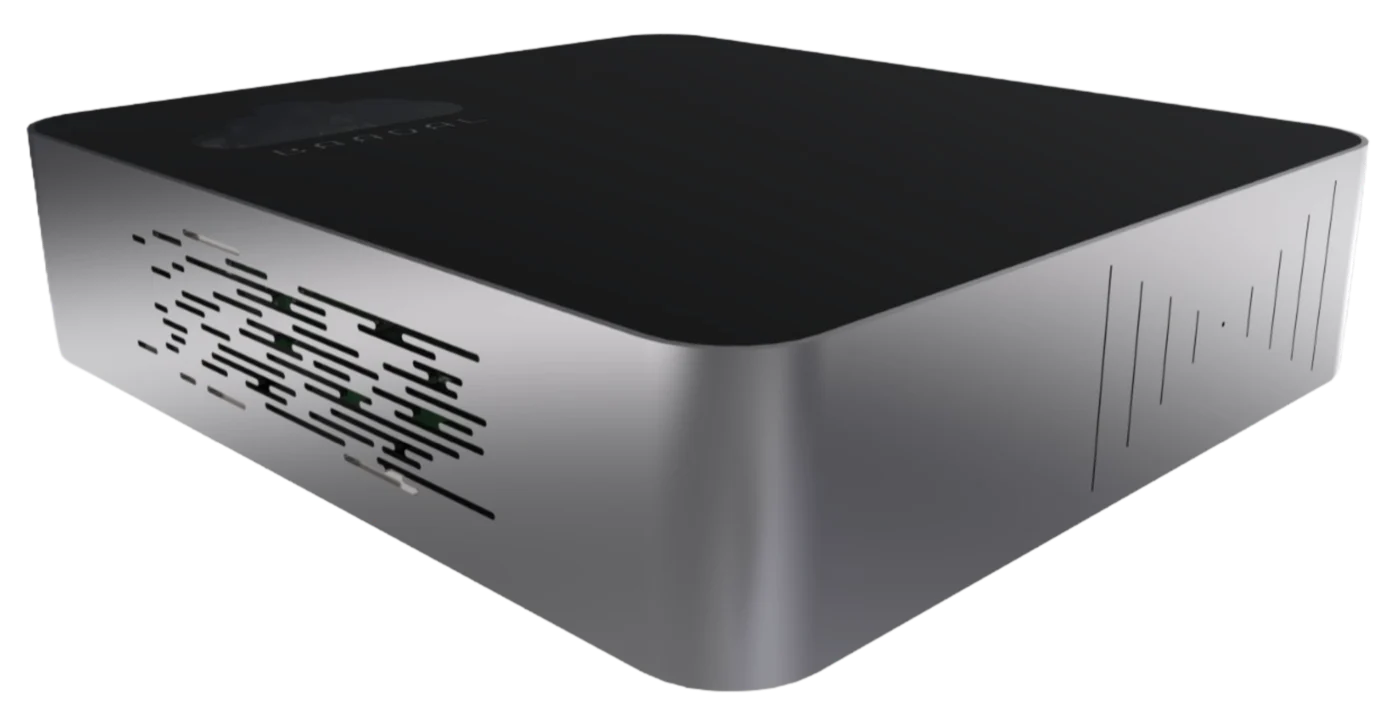
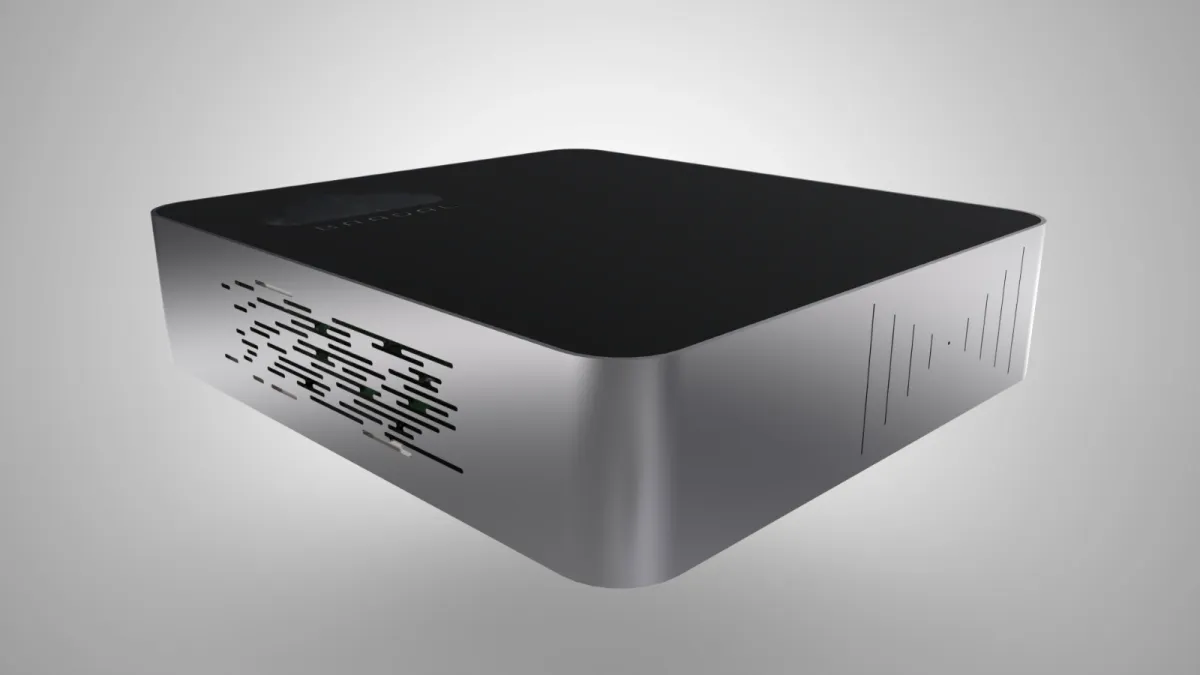
Should I choose the SSD or the HDD model?
Choose the 2-bay SSD (the low box) if your work is lots of documents, Tally or virtual machines and you want things to open quickly. Choose the 2-bay HDD (the cube) if you keep large files like drawings, renders, scans or video and need the most room. Tell us how your firm works and we’ll recommend one.
What is the difference between mirrored and combined?
Mirrored writes every file to both drives, so you get the space of one drive, and if one drive fails your files stay available on the other. Combined joins both drives into one space, so you get twice the room but no copy: if either drive fails, everything on the device can be lost. We recommend mirrored for most firms.
What happens if a drive fails?
If your drives are mirrored, the device keeps working from the healthy drive. Contact Baadal support and we arrange the replacement under your support and warranty terms. Combined has no copy, so one failed drive can lose everything on the device; that is why scheduled backups are essential there.
How much space will I actually get?
Mirrored, you get the size of one drive; combined, the size of both. Drives are sold in decimal terabytes, and formatting and encryption use a little of each drive, so the usable figure is slightly lower than the label.
Is there a 4-bay model?
Not at the moment. A four-bay Baadal for hard drives, SSDs or NVMe drives is on our roadmap, without a date. Tell us if you need it and we’ll keep you posted.
Where is it made?
Both Baadal models are designed and manufactured in India by BooleanWorld Solutions, Vadodara, and supported by the same company.
Do I need a screen or keyboard to set it up?
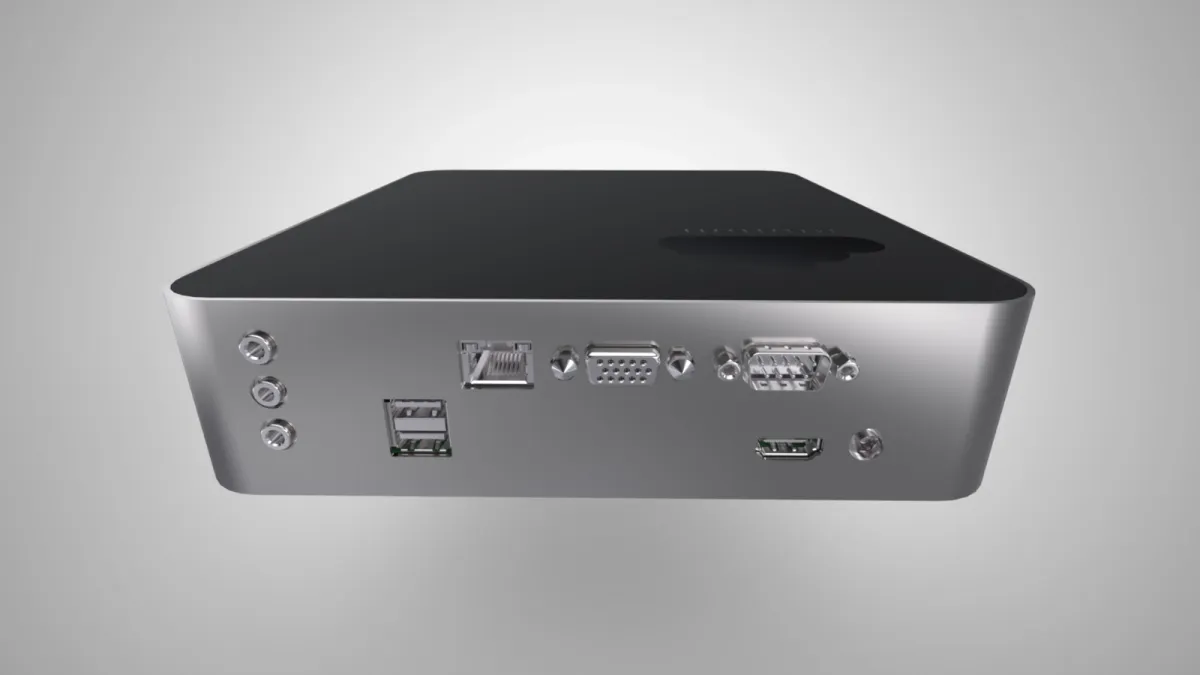
No. Plug in power and your office network, then open the myBaadal app on your phone. It finds the device and guides you through the rest. Your folders, users and roles are set up before it ships.
 Baadal™