Baadal™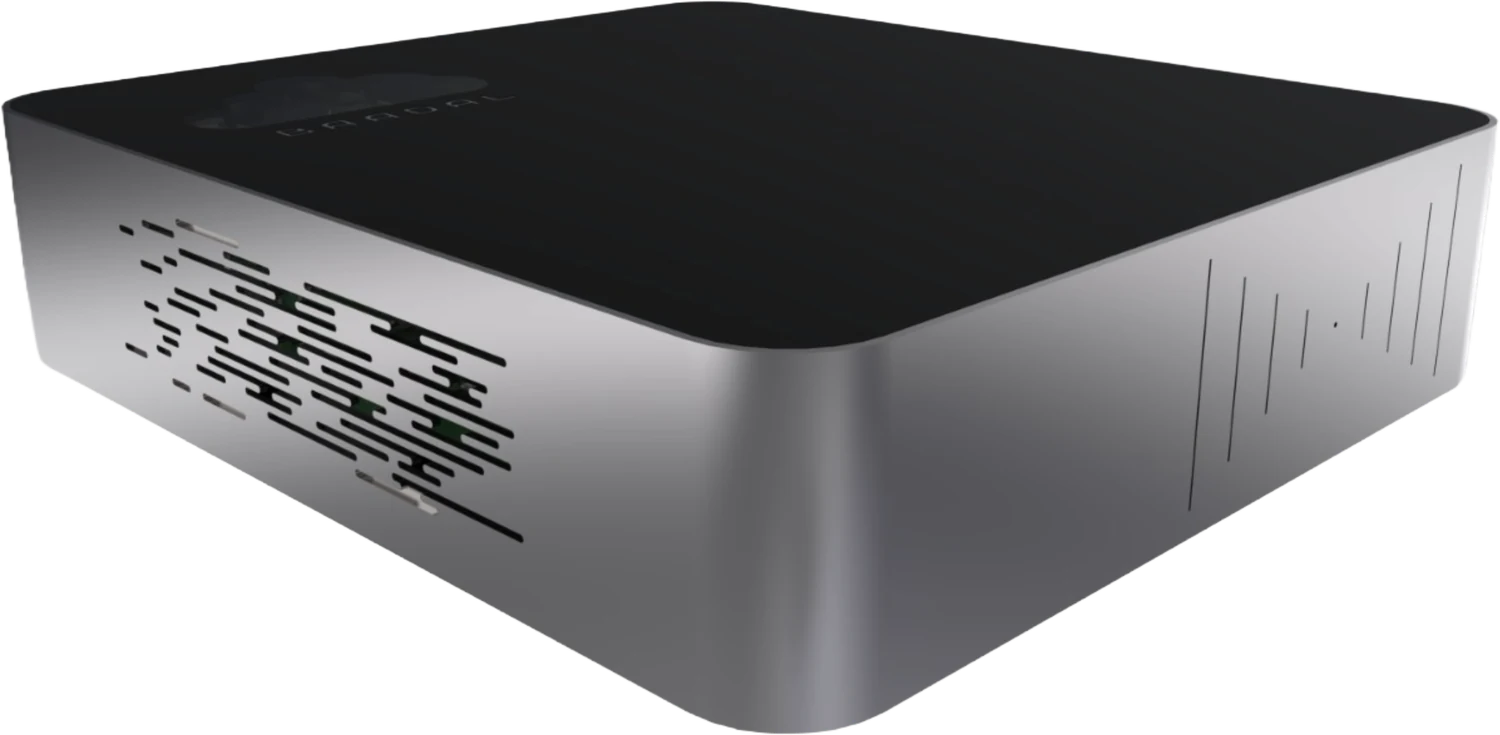
PO raised
- Signs off
- Purchase
- What happens
- Purchase raises PO 2611 against the rate contract and files it in Shree Forgings’ folder.
- Filed
- pdfPO-
2611_ 01_Purchase/Shree_ Forgings.pdf V-118 · Shree Forgings/ Rate Contract & POs/
- pdfPO-
MF-01Manufacturing & trading document management
Baadal is a private cloud server that sits in your office or at the plant. Tally, Busy or your ERP runs on it, with drawings, vendor bills, challans and inspection reports filed alongside. Purchase, stores and accounts each get their own slice, and your CA works in the same books.
BaadalBuilt in India
MF-02Example workflow · PO to payment
A purchase order crosses several desks before a vendor is paid. Lay out those steps and who approves each one, and PO 2611 takes the same route as every PO before it: approval, GRN, invoice match, payment.
Station 1 of 5: PO raised. Purchase signs off.
PO to payment is one route. You set up the others your works needs, from job-work returns to dispatch clearance and drawing release, and we help map them while we configure Baadal.
MF-03Vendors and customers
Give each vendor a folder of their own for invoices, challans and test certificates. When a job worker needs one drawing, send a view-only link with downloads switched off that stops working on the date you set. A customer’s PDIR can go out as a link too, with downloads left on so their quality team can file it.
Dock 01Inward
DIRV-118 · Shree Forgings · UploadsShared with Shree Forgings’ accounts desk
Upload link · no account needed
Your vendor Uploads a scan of the tax invoice and the mill test certificate for the lot into their own folder on your Baadal. Accounts and quality both find them there.
Dock 02Outward
linkFL-140_Rev07.pdfTo: A job worker, for one batch
linkPDIR · FL-140 lotTo: Arya Pumps’ incoming inspection
Before
Bills, challans and test certificates arrive on whichever phone the vendor’s clerk happened to message. At month-end accounts walks the floor asking who received the Shree Forgings bill.
Now
Every vendor drops their papers into a folder of their own.
MF-04Tally, Busy and your ERP
Inside the Baadal device you can run Windows or Linux virtual machines. Put TallyPrime, Busy, Marg or your own ERP on one, and stores, purchase, sales and accounts work in the same company, on the factory network or from a branch. Your costing and customer list stop living on a rented server.
Licences for your accounting or ERP software, and for Windows, have to cover everyone who will use it. We go through what you run on the demo call.
Books and ERP software a factory can move onto its Baadal
Product names and logos belong to their owners and are shown to indicate software that can run on a Baadal virtual machine. Baadal is not affiliated with these vendors.
MF-05Month-end with your CA
With Tally or your ERP running on Baadal, your CA works on your books directly, from their own office. Your accounts team and your CA post to the same company, so there is one set of figures and nothing to carry across.
The old month-end routine
Your CA
From their own office, ticks this month’s purchase entries in your Tally on Baadal against the invoices your vendors have reported on the GST portal. No pen drive changed hands this month.
MF-06Factory folder template
Before Baadal is delivered, we build your template around how material moves through the works: rate contract, PO, GRN, inspection, invoice, dispatch. A new vendor or part number gets the same folders, so stores never asks where a challan should go.
NCR · FL-140Closed
Shift supervisor Pulls up the FL-140 drawing on a phone beside the VMC through the myBaadal app. It is Rev 07, released last evening, not the old print taped to the machine.
CompanySet up before Baadal is delivered
01Purchase (folder 01_Purchase)
02Stores (folder 02_Stores)
03Drawings (folder 03_Drawings)
04Quality (folder 04_Quality)
05Sales & Dispatch (folder 05_Sales & Dispatch)
06Accounts & GST (folder 06_Accounts & GST)
07HR, PF & ESI (folder 07_HR, PF & ESI)
New vendor or part number
Gets this same set of folders from the template, so nothing has to be invented on the day.
MF-07Search inside the paper
Vendor bills rarely arrive with sensible names, so Baadal goes by what is printed on the page. A PO number, a heat number or a vendor’s GSTIN brings up the PDF or scan under any name.
Q1“Shree Forgings’ bill against PO 2611.”
Inside a scan someone saved as “WhatsApp Image 2026-10-14”.
Q2“Mill test certificate for heat number A2291.”
A scanned PDF in Shree Forgings’ upload folder, from August.
Q3“Revised delivery schedules customers sent this month.”
Every schedule from this month, Arya Pumps’ among them, each in its customer’s folder.
MF-08Who sees what
Access follows the job, not whoever happens to know the shared password. Move someone from the Stores group to Dispatch and what they can open changes with them. Vendors see only their own folder, and you can check who has access to each folder.
Opens
Opens
Stays shut
Opens
Stays shut
Opens
Stays shut
Opens
Stays shut
Drawings, NDAs and staff data
A job shop holds drawings it signed an NDA for, price lists a competitor would love to see, and the Aadhaar, bank and PF details of everyone on the muster roll. Your NDAs already bind you on the drawings, the IT Act covers sensitive data such as bank details today, and the Digital Personal Data Protection Act, 2023 extends the duty to all personal data you hold digitally from May 2027.
What it asks of you
A typical NDA confines the customer’s drawings to their job and to people who need to see them, and may require consent before a sub-contractor does.
How Baadal helps
Each customer’s folder opens only for the roles you pick. A drawing sent to a job worker goes as a view-only link with downloads off, an expiry date and a revoke button.
What it asks of you
A business that fails to keep reasonable security practices for sensitive personal data, such as employees’ bank details, and causes someone a loss has to compensate them.
How Baadal helps
Salary and bank files sit in an HR folder that only HR and you can open, and they never turn up in anyone else’s search.
What it asks of you
Guard personal data such as Aadhaar, bank accounts, PF and ESI numbers with reasonable security safeguards.
How Baadal helps
Staff records sit on encrypted drives, connections from outside the factory are encrypted, access follows each person’s role, and switching off a leaver’s account locks them out while keeping their files.
What it asks of you
You stay answerable for personal data even when a service provider stores or processes it on your behalf.
How Baadal helps
Staff and customer records sit on a device you own rather than on a cloud storage company’s servers. If you send backups offsite, you pick where they go.
What it asks of you
Inform the Data Protection Board and each affected person when personal data is breached.
How Baadal helps
The HR and customer folders’ share lists show who could reach them, and Activity shows anything shared or downloaded through a public link, which helps you work out what was reached and whose details it held.
Baadal helps with these duties, but the duties remain yours. Your NDAs, staff notices and how people actually handle files still decide the outcome. Under the DPDP Rules, 2025 the Act’s safeguard, processor and breach duties apply from May 2027, when Section 43A of the IT Act is omitted. Read this as a summary for orientation, not legal advice.
MF-10Records and retention
Baadal is not a compliance product. It keeps years of bills, stock and production records and inspection reports in one place on hardware you own, so pulling out a single one during an assessment or a customer complaint is a search, not a day in the record room.
CGST Act · Sections 35 and 36
A manufacturer keeps accounts of production, stock and supplies, not just invoices, until 72 months after the due date of that year’s annual return. A pending appeal or case can stretch it.
Companies Act · Section 128
If your business is a company, books of account and the vouchers behind them stay in good order for the eight financial years before the current one.
Customer and quality audits
Inspection reports, test certificates and drawing revisions are often asked for years after dispatch. Your customer agreement or quality manual decides how long you keep them.
A summary of retention rules for orientation, not legal advice. Your CA can confirm what applies to your entity and your registrations.
MF-11Comparative statement
How the three usual choices compare for a factory and its office.
| What matters | Option AGoogle Drive / Dropbox | Option BA NAS from a shop | Option CBaadal |
|---|---|---|---|
| Where costing, drawings and the ERP sit | Provider’s infrastructure | Your premises | Your premises, on hardware you own |
| Tally or ERP for stores, purchase and accounts | The software needs its own hosting or cloud plan | Often one “Tally computer” the others connect to | Runs in a VM on the device, from the plant and from outside |
| Your CA and your books | A backup file mailed or uploaded each month | A backup carried across on a pen drive | Your CA works in your books where they run |
| Vendor bills and challans | A shared folder per vendor, made one at a time | Forwarded from WhatsApp and saved by hand | Each vendor uploads into a folder made from your template |
| Finding a scanned bill by PO number | Supported file types and plans vary | Depends on indexing software and file type | Searches the text inside scans and PDFs |
| When a storekeeper or buyer leaves | Delete the account, then hunt down their links | Undo access one shared folder at a time | One switch locks them out, keeps their work and kills their links |
| Who sets it up | Your team or an IT partner | Your team or an IT partner | Folders, roles and software arranged by Baadal’s team in advance |
| What you pay | Provider plan; costs depend on users and storage | Hardware, plus any software and support | One-time hardware + annual support plan |
Capabilities depend on the product, plan, hardware and configuration.
Yes. Tally runs on a Windows virtual machine inside Baadal, so everyone posts into one company instead of taking turns on a single PC. Tell us on the demo call how many of you work in it together; your Tally and Windows licences need to cover those users.
If it installs on Windows or Linux, it can run on a Baadal virtual machine. Bring the name, the version and your licence terms to the demo call and we check them with you before you buy.
Yes, once your books run on Baadal. Your CA works in them directly, so there is no backup to export, carry or restore, and both of you look at the same entries.
Yes. Every vendor and every customer gets a folder of their own and uploads into it, with an upload link that needs no account or with an account on your Baadal. Bills, challans, POs and schedules land where they belong, each party sees only its own folder, and you can take the access back whenever you like.
When the internet drops, people on the premises carry on over the office network, as long as Baadal and your network switches have power, so keep them on the UPS or inverter. Working from outside, and sync with your other sites, need the internet.
Yes. Both locations work on one set of files, so the drawing the office releases is the drawing the plant opens. Head office decides which folders each site sees. Keeping the sites in step needs an internet connection.
Planning the move is part of setup. We review where things sit today, whether on shared PCs, a NAS, pen drives or the ERP, agree the folder template and the order of the move with you, and fix the schedule once we have seen the data.
Call Baadal support; we diagnose it and arrange recovery or repair under your support and warranty terms. If the drives are set up mirrored (RAID), that helps if one drive fails, and a scheduled backup keeps a separate copy on a USB drive, a network share or S3 storage you choose. RAID on its own is not a backup.
MF-13Book a demo
Give us 20 minutes and we go through how vendor folders, drawing revisions and Tally or your ERP would sit on Baadal for your works, check the software you run, and tell you what it would cost.
Call +91 78620 22715
Baadal is deployed across healthcare, finance, legal, manufacturing and retail businesses in India.