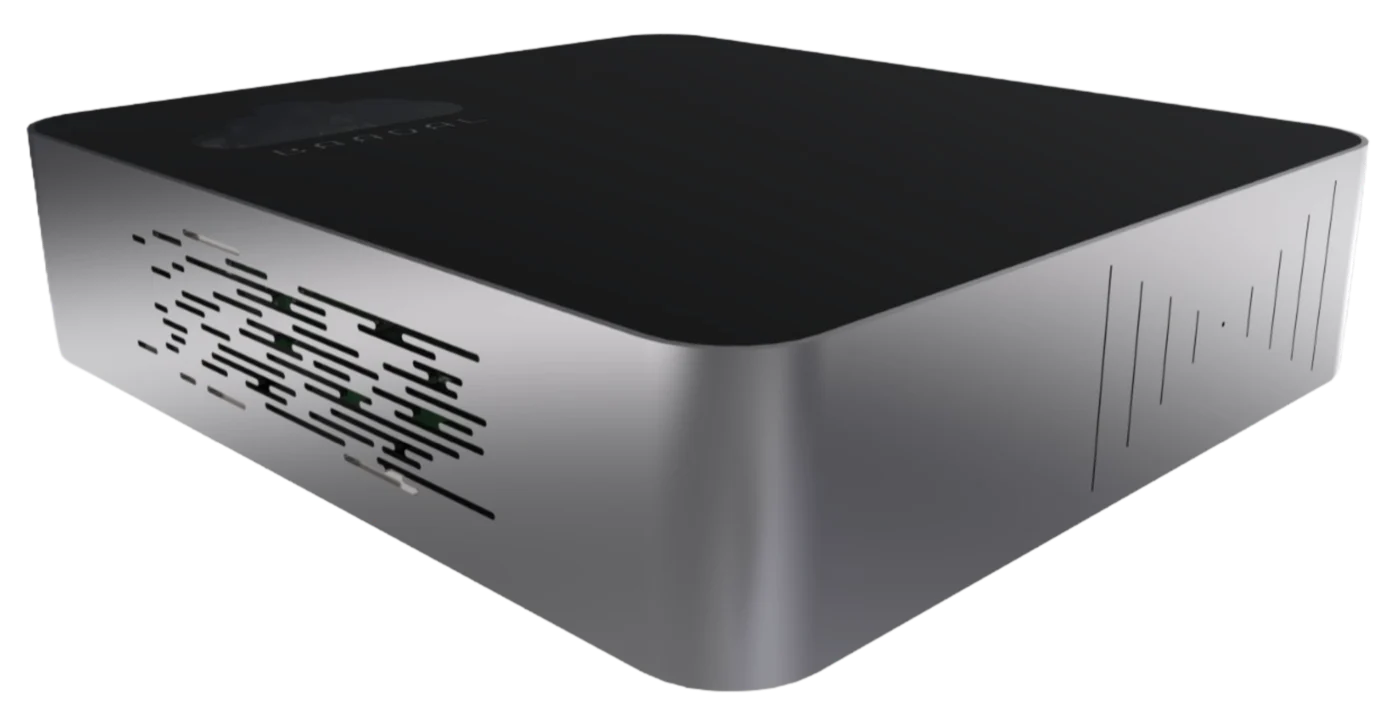
Baadal™
BaadalVPS · your own servers
Virtual machines on a server you own.
Windows and Linux virtual machines on the Baadal in your office. Tally, an ERP, a CRM, a website or a database runs right next to your files, at office-network speed. No data centre, and no monthly server bill.
- Windows & Linux
- Snapshots
- USB passthrough
- Browser console
- Publish to the internet
Your machines2 running
- tally-serverWindows Server 2022 · 4 vCPU · 8 GB Running
- erp-01Ubuntu 24.04 LTS · 2 vCPU · 4 GB Running
What runs on it
If it installs on Windows or Linux, it can run here.
Most firms start with one machine for the software they already pay for, then add more as they find uses.
Bay 01Windows
Tally and accounting
A Windows server for multi-user Tally, with the licence key plugged into the Baadal and passed through to the machine.
Bay 02Windows or Linux
ERP and CRM
Your business software sits next to its documents, so reports and attachments open at office-network speed.
Bay 03Linux
Websites and portals
An internal portal for staff, or a public site published on a Baadal web address without touching your router.
Bay 04Linux
Databases and services
A database, a reporting server or an integration service, running all day on hardware you own.
Bay 05Windows or Linux
Desktops in the browser
A full Windows 11 or Linux desktop your staff open from a browser, with the work kept on the Baadal.
Bay 06Any
Test before you change
Copy a setup, try an upgrade on a snapshot, and roll back if it goes wrong. No spare hardware needed.
Snapshots and recovery
A save point before every big change.
Take a snapshot before an upgrade or a year-end close. If something breaks, restore it and you’re back where you were, disks, settings and all. See how snapshots fit with backups.
- Mon 18:00Snapshot taken
“Before Tally upgrade”. A complete, standalone copy of the machine.
- Mon 18:20Upgrade installed
The new version goes on.
- Tue 09:10Something’s wrong
A report won’t open. The team needs it today.
- Tue 09:25Restored
Back to Monday 18:00. Work carries on while you sort out the upgrade.
- Each snapshot is a standalone copy, checked against its checksum before any restore.
- If power fails mid-restore, recovery rolls it back or finishes it safely. Nothing is half-done.
- Snapshots are taken with the machine shut down cleanly, so what you save is consistent.
Getting to it
Reach each machine exactly as widely as you mean to.
-
Office
On the office network
Staff in the office connect at full speed. Forward the ports each machine needs and nothing else.
Port forwarding -
Private
Your people, from anywhere
Baadal Connect puts a Linux machine on Baadal’s private, encrypted network, so it can be reached by name from home or on the road without opening ports.
Baadal Connect -
Public
Anyone on the internet
Publish a website or portal on a Baadal web address. The connection goes out from the device, so there’s no static IP and no router to configure.
Publish to the internet
Every machine, Windows or Linux, also has a console you open in the browser.
Staff access
Hand out the controls one by one, not the keys to everything.
Give a person access to one machine and choose what they can do with it. Admins can do everything; everyone else gets only what you tick.
| Who · machine | Power | Console | Ports | USB | Resize | Snapshots | Delete |
|---|---|---|---|---|---|---|---|
| Accounts teamtally-server | Power: allowed | Console: allowed | Ports: not allowed | USB: not allowed | Resize: not allowed | Snapshots: not allowed | Delete: not allowed |
| IT partnererp-01 | Power: allowed | Console: allowed | Ports: allowed | USB: allowed | Resize: allowed | Snapshots: allowed | Delete: not allowed |
| Web developerweb-01 | Power: allowed | Console: allowed | Ports: allowed | USB: not allowed | Resize: not allowed | Snapshots: allowed | Delete: not allowed |
One-click apps
Websites, databases and apps, without a command line.
Tick one box when you create a Linux machine and it comes with an app panel: install a website, a database or a popular open-source app with a click, and manage it from the browser. BaadalVPS shows you each setup step as it finishes.
For your IT person
The details.
Hardware virtualisation on the Baadal itself, managed from the same admin panel as everything else.
Windows and application licences are yours to supply, and must cover the users and access you need.
- Guest systems
- Windows 11, Windows Server 2022, Ubuntu 24.04 LTS, Debian 12, Debian 13, and Debian 13 with a desktop.
- Lifecycle
- Create, start, graceful stop with forced fallback, restart, resize CPU, memory and disk (while stopped), delete. Machines start on their own after a reboot.
- Console
- Graphical console in the browser for every machine.
- Snapshots
- Standalone disk copies plus firmware state and configuration, checksum-verified before restore, with journaled recovery from an interrupted restore. A command-line recovery tool works even without the web interface.
- Networking
- NAT with per-machine port forwarding, or a bridge onto the office network.
- Remote access
- Publish to the internet through an outbound tunnel on a Baadal address; Baadal Connect private network for Linux guests.
- Devices
- USB passthrough, with auto-attach so a licence key reconnects after a restart.
- Access
- Per-machine permissions: power, console, ports, USB, resize, snapshots, delete.
- Linux setup
- Hostname and network set on first boot; optional one-click app panel.
What is a virtual machine, in plain words?
A complete computer that runs as software on your Baadal. It has its own Windows or Linux, its own programs and its own settings, and you can run several side by side on one device.
Can it run Tally for several users?
Yes. Tally runs on a Windows virtual machine on the Baadal, and a Tally licence key can be plugged into the device and passed through to that machine. We size the setup for your team. Your Tally and Windows licences must cover the users and access you need.
How many machines can I run?
It depends on your Baadal model and how heavy each machine is. Tell us what you want to run and we’ll size it before you buy.
What happens if an update breaks something?
If you took a snapshot first, restore it and the machine goes back to exactly how it was. We recommend a snapshot before every upgrade or big change.
Can people outside the office reach a website I host on it?
Yes. Publish the machine on a Baadal web address and it is reachable from the internet, without a static IP or router changes. Keep internal machines private: only publish what you mean to.
Does it work if the internet goes down?
Machines keep running and staff on the office network keep using them. Access from outside the office needs the internet connection.
Do I need an IT person to manage it?
For day-to-day use, no: start, stop, snapshot and console are buttons in the admin panel. We set up the first machines with you and support the whole system under your annual support plan.
Book a demo
Tell us what you run. We’ll show you it running on Baadal.
Book a 20-minute demo. Bring your list of software and we’ll show how it fits on BaadalVPS, and what size of Baadal it needs.
Call +91 78620 22715