For hospitals, clinics & diagnostic centres

Scans, case sheets and reports from every room. On one server in your hospital.

Baadal is a private cloud server that sits in your hospital and puts the PCs at your OCT, fundus camera, reception and consultants’ cabins on one set of patient files. Front desk, consultants and nursing staff each open what their role allows, and patient data stays on hardware you own.

  • Machine-room PCs and doctor PCs on one set of files
  • Windows or Linux clinic software can run on it
  • Front desk, wards and consultants each see their part

Walk the floor

Every room’s PC, wired to one patient file.

Pick a room on this eye hospital floor. See what its PC saves to Baadal, which patient folder the file is filed in, and who in the hospital can open it.

Eye hospital · ground floorWire to BaadalSelectedYou are here

Tap a room on the plan, or use the directory.

G-01

Reception

At the PC: Front desk

What it saves
Registrations, and the papers a patient brings to the counter: old prescriptions, referral letters, insurance cards. Scanned once and filed against the UHID.
Saved into
  1. 01_MRD · Patients
  2. UHID-20417 · Ramesh Desai
  3. OPD Visits
  4. Referral_Letter_scan.jpg
Who can open it
  • Front desk & TPA
  • Consultants
  • Medical director
  • Can’t open: Technicians
G-02

OCT

At the PC: OCT technician

What it saves
Macula and RNFL reports, saved as PDFs from the PC that runs the OCT.
Its PC saves into
  1. Hospital
  2. 02_Machine Exports
  3. OCT
  4. OCT_RNFL_UHID-20417.pdf
Filed for the patient in
  1. 01_MRD · Patients
  2. UHID-20417 · Ramesh Desai
  3. Investigations
Who can open it
  • OCT technician
  • Consultants
  • Medical director
  • Can’t open: Other rooms’ technicians

Works where the machine’s PC can save files to a network folder. Machines export their files in different ways, so we go through each of yours before setup.

G-03

Fundus

At the PC: Fundus camera technician

What it saves
Fundus photographs from the camera’s PC, so today’s image can sit beside the one from 2023.
Its PC saves into
  1. Hospital
  2. 02_Machine Exports
  3. Fundus Camera
  4. Fundus_OD_UHID-20417.jpg
Filed for the patient in
  1. 01_MRD · Patients
  2. UHID-20417 · Ramesh Desai
  3. Investigations
Who can open it
  • Fundus technician
  • Consultants
  • Medical director
  • Can’t open: Other rooms’ technicians

Works where the machine’s PC can save files to a network folder. Machines export their files in different ways, so we go through each of yours before setup.

G-04

B-Scan

At the PC: B-scan technician

What it saves
Ocular ultrasound images and reports from the B-scan’s PC, for the eye a dense cataract hides from the fundus camera.
Its PC saves into
  1. Hospital
  2. 02_Machine Exports
  3. B-Scan
  4. BScan_RE_UHID-20417.pdf
Filed for the patient in
  1. 01_MRD · Patients
  2. UHID-20417 · Ramesh Desai
  3. Investigations
Who can open it
  • B-scan technician
  • Consultants
  • Medical director
  • Can’t open: Other rooms’ technicians

Works where the machine’s PC can save files to a network folder. Machines export their files in different ways, so we go through each of yours before setup.

G-05

A-Scan

At the PC: A-scan technician

What it saves
Axial length readings and biometry printouts from the A-scan’s PC.
Its PC saves into
  1. Hospital
  2. 02_Machine Exports
  3. A-Scan
  4. AScan_Biometry_UHID-20417.pdf
Filed for the patient in
  1. 01_MRD · Patients
  2. UHID-20417 · Ramesh Desai
  3. Investigations
Who can open it
  • A-scan technician
  • Consultants
  • Medical director
  • Can’t open: Other rooms’ technicians

Works where the machine’s PC can save files to a network folder. Machines export their files in different ways, so we go through each of yours before setup.

G-06

IOL Master

At the PC: Biometry technician

What it saves
Biometry and IOL power calculations from the IOL Master’s PC, ready before the cataract list.
Its PC saves into
  1. Hospital
  2. 02_Machine Exports
  3. IOL Master
  4. IOL_Calc_RE_UHID-20417.pdf
Filed for the patient in
  1. 01_MRD · Patients
  2. UHID-20417 · Ramesh Desai
  3. Investigations
Who can open it
  • Biometry technician
  • Consultants
  • Medical director
  • Can’t open: Other rooms’ technicians

Works where the machine’s PC can save files to a network folder. Machines export their files in different ways, so we go through each of yours before setup.

G-07

VFA

At the PC: Perimetry technician

What it saves
Visual field printouts from the analyser’s PC, the series a glaucoma follow-up is read against.
Its PC saves into
  1. Hospital
  2. 02_Machine Exports
  3. VFA
  4. VFA_RE_UHID-20417.pdf
Filed for the patient in
  1. 01_MRD · Patients
  2. UHID-20417 · Ramesh Desai
  3. Investigations
Who can open it
  • Perimetry technician
  • Consultants
  • Medical director
  • Can’t open: Other rooms’ technicians

Works where the machine’s PC can save files to a network folder. Machines export their files in different ways, so we go through each of yours before setup.

G-08 · G-09

Doctor cabins

At the PC: Consultants

What it saves
Prescriptions and consultation notes. The same cabin PC opens every scan and report the rooms on this floor have saved for the patient.
Saved into
  1. 01_MRD · Patients
  2. UHID-20417 · Ramesh Desai
  3. OPD Visits
  4. 2026-10-14_Prescription.pdf
Who can open it
  • Consultants
  • Medical director
  • Can’t open: Technicians
G-10

MRD · Server room

At the PC: MRD staff

What it saves
Old files scanned from the record room, so a discharge summary from six years ago turns up by name or UHID. Baadal sits here: its drives can be mirrored, and a scheduled backup copies the day’s files to a backup drive at 03:00.
Saved into
  1. 01_MRD · Patients
  2. UHID-20417 · Ramesh Desai
  3. IPD-0988 · Cataract RE
  4. Discharge_Summary.pdf
Who can open it
  • Medical director
  • Consultants
  • Nursing staff, for their ward
  • Can’t open: Technicians

Edits, shares and deletions here show in each person’s Activity list.

Before and after

The scan is on one PC, the report on a phone, the old file in a cupboard.

  1. C/O · today

    A consultant wants to see an OCT printout before tomorrow’s surgery, so the technician photographs it and sends it on WhatsApp. The patient’s scan now lives on a personal phone and in its chat backup.

    Rx · with Baadal

    Consultants view the scan in the myBaadal app. With download and sync off on the share, the app can’t save it to their phone.

  2. C/O · today

    The fundus camera’s PC holds every image taken since it was installed, on one local hard disk that nobody has copied anywhere.

    Rx · with Baadal

    Kept on Baadal instead, the images can sit on mirrored drives and go into a scheduled backup.

  3. C/O · today

    A patient comes back after six years and asks for the discharge summary from their surgery. Someone is sent to the record room, and the patient is told to come back tomorrow.

    Rx · with Baadal

    Once the old file is scanned into Baadal, typing the name or UHID brings the summary up.

A day at the hospital

Monday OPD, from the first token to the night’s backup.

A busy OPD morning is when reception, the diagnostic rooms, the consultants and the TPA desk all need the same patient’s files within minutes of each other.

  1. Front desk

    Registers a returning patient and opens their folder by UHID. Last year’s prescription and refraction sheet are already there, not in a file box under the counter.

  2. OCT technician

    Runs the scan and saves the report from the machine’s PC into the OCT folder on Baadal. The consultant opens it on the cabin PC, and no pen drive goes down the corridor.

  3. Consultant

    Opens today’s fundus photograph and the one from 2023 on the cabin PC, without sending anyone to the camera room to look for it.

  4. TPA desk

    A cashless patient is due for discharge. The discharge summary, final bill and investigation reports are already in the patient’s Insurance & TPA folder, so the desk uploads them to the TPA’s portal for final approval from that one place.

  5. Consultant, at home

    A post-op patient calls about a red eye. The consultant opens the discharge summary in the myBaadal app and advises them, with nothing forwarded to a personal chat.

  6. Overnight

    The scheduled backup copies the day’s scans, reports and case sheets to the backup drive. A run pauses use for a short while, so it is set for the hour when the wards and casualty are least likely to need a file.

Your MRD, on Baadal

One folder per patient, filed by UHID, the same way every time.

Before Baadal ships, we build your patient template around the numbering your MRD already uses. A scan, a consent and a claim document then go where the technician, the ward nurse and the TPA desk expect them, in every patient folder.

  • Filed by UHID, with each admission under its own IPD number
  • Every diagnostic machine has its own export folder, away from the machine’s local disk
  • Billing, licences and staff records kept apart from clinical files
G-10 · MRD
Patient folder template · hospital with an eye department
  • Hospital
    • 01_MRD · Patients
      • UHID-20417 · Ramesh Desai
        • OPD Visits
          • pdf2026-10-14_Prescription.pdf
        • IPD-0988 · Cataract RE
          • pdfConsent_Surgery_Signed.pdf
          • pdfCase_Sheet.pdf
          • pdfNursing_Notes.pdf
          • pdfDischarge_Summary.pdf
        • Investigations
          • pdfCBC_LFT_Report.pdf
          • pdfOCT_Macula_RE.pdfSaved from the OCT room
        • Insurance & TPA
    • 02_Machine Exports
      • OCT
      • Fundus Camera
      • B-Scan
      • A-Scan
      • IOL Master
      • VFA
      • X-ray & USG
    • 03_Billing & Claims
    • 04_Licences & Registrations
    • 05_Staff & Credentials

Who sees what

Reception sees registrations. Consultants see their patients. Nobody else sees payroll.

Access follows groups you set up once: OPD, each ward, each diagnostic room, billing. When a nurse moves wards, move them to the new ward’s group and their access follows. When a resident finishes their term, disable the account; their files stay and any links they sent stop working.

  • StaffMD

    Medical director

    Opens

    • Every department, every year
    • As the hospital’s admin, adding staff, resetting passwords and disabling accounts

    Sees the whole hospital

  • StaffC

    Consultants

    Opens

    • Patient folders in their department
    • The diagnostic rooms’ report folders

    Doesn’t open

    • Cannot open: Billing, claims and staff records
  • StaffN

    Nursing staff

    Opens

    • Case sheets and nursing notes for their ward
    • Investigation reports for admitted patients

    Doesn’t open

    • Cannot open: Billing and HR folders
  • StaffT

    Technicians

    Opens

    • Their own machine’s report folder
    • Saving new scans and reports into it

    Doesn’t open

    • Cannot open: Patient case sheets and consultants’ notes
  • StaffFD

    Front desk & TPA

    Opens

    • Registrations, bills and claim folders
    • Discharge summaries and reports a claim needs

    Doesn’t open

    • Cannot open: Case sheets and nursing notes

Your own workflow

A discharge or a claim, step by step, with a name against each step.

Build the flows your hospital already follows: what happens at each stage, who is responsible for it and who approves it before the file moves on to the next counter.

Example workflow · Cashless discharge · follow the line

  1. Consultant

    Discharge advised

    The treating consultant advises discharge and signs the summary the RMO has drafted in the patient’s IPD folder.

  2. Nursing staff

    File completed

    Case sheet, nursing notes, consents and investigation reports are checked and filed against the IPD number.

  3. TPA desk

    Final approval

    The TPA desk sends the final bill, discharge summary and reports to the TPA and waits for final approval of the cashless amount.

  4. Billing

    Discharged

    Once the TPA approves, billing collects non-payables and any co-pay, and the patient leaves with their summary.

  5. MRD

    Closed

    The MRD confirms nothing is missing and the admission stays filed under the patient’s UHID.

Admissions, pre-surgery checks, MRD audits or referral letters can each get their own steps and approvers, mapped with your MRD and nursing heads during setup.

Your clinic software

Your HIS or clinic software, hosted on the same device.

If your hospital information system, clinic management or billing software installs on Windows or Linux, Baadal can host it on a virtual machine of its own, and reception, billing and the wards keep using it from their own PCs.

  • Appointments, billing and pharmacy software on a VM inside the hospital
  • The HIS database sits on hardware you own
  • Take a snapshot of the VM before your vendor installs an update

Licences for Windows, your HIS and each user have to allow the access you plan. On the demo call we go through your clinic software and what its vendor supports on a virtual machine.

Sharing with patients and doctors

Send a report to a patient or a referring doctor without WhatsApp.

Send a scan, a report or a discharge summary as a link instead of a photo. Make it view-only, switch off downloads if you like, and let it lapse after the follow-up. A partner lab or a referring doctor can get a folder of their own to upload reports into.

  • Reports go out as a link you can revoke, not a forwarded photo
  • A partner lab or referring doctor uploads into their own folder and sees nothing else
  • Every share on a file, to a person, a group or a link, is listed in that file’s sharing panel and revoked from there

A few HIS, pharmacy and accounts packages built for Windows or Linux

  • BahmniLinux
  • OpenMRSLinux
  • OpenEMRWindows / Linux
  • Marg ERPWindows
  • TallyPrimeWindows

Product names and logos belong to their owners and are shown to indicate software that can run on a Baadal virtual machine. Baadal is not affiliated with these vendors.

Patient confidentiality

Diagnoses don’t belong in a technician’s WhatsApp.

Patients tell their doctor what they tell nobody else. On Baadal their files stay on hardware your hospital owns, and each person on your staff opens only what their role needs.

  • On hardware you own

    Case sheets, scans and reports stay on-premises, on a device in your hospital, not with a cloud storage company.

  • Opened by role

    Front desk, wards, technicians and consultants each open only the folders their work needs.

  • Encrypted

    Files sit on the device’s encrypted drives, inside the hospital.

  • Changes listed

    Each person’s Activity list shows files added, edited, shared, deleted and restored, and downloads through links they sent. Opening a file isn’t recorded.

  • Kept twice

    Mirrored drives inside the device if you choose them, plus a scheduled backup to a drive or location you choose.

The rules behind it, and where Baadal helps

A clinic holds diagnoses, prescriptions, scans, ID proofs and insurance details for every patient. The 2002 medical ethics regulations, which the National Medical Commission still applies, bind doctors to confidentiality. Today the IT Act’s 2011 rules treat medical records as sensitive personal data; the main duties of the Digital Personal Data Protection Act, 2023 replace them from May 2027, and reach paper records too once they are scanned.

  1. IMC Ethics Regulations, 2002 · confidentiality

    What it asks

    Doctors must not disclose what they learn about a patient in the course of treatment, except in the narrow cases the regulations allow, such as a judge’s order or a notifiable disease.

    Where Baadal helps

    Case sheets, scans and reports stay on hardware the hospital owns, not with a cloud storage company. Consultants, nurses and the front desk each open only the folders their role needs.

  2. IMC Ethics Regulations, 2002 · records on request

    What it asks

    When a patient, their authorised attendant or a legal authority asks for medical records, acknowledge it and issue them within 72 hours.

    Where Baadal helps

    A search by name, UHID or year finds the file without a trip to the record room, and you can hand it over as a link or a download instead of a photocopy.

  3. IT Act, 2000 · SPDI Rules, 2011 (until May 2027)

    What it asks

    Medical records and history are sensitive personal data. A hospital or clinic run as a business must protect them with reasonable security practices and a documented security policy.

    Where Baadal helps

    Drive encryption, folder permissions by role and each person’s Activity list can form part of the security practices you document. Writing and following the policy stays with the hospital.

  4. DPDP Act, 2023 and DPDP Rules, 2025 · safeguards (from May 2027)

    What it asks

    Protect patients’ personal data with reasonable security safeguards. The DPDP Rules, 2025 name encryption, access control, access logs and backups among them.

    Where Baadal helps

    Drive encryption on the device, folder permissions by role, an Activity list of files added, edited, shared and deleted, and scheduled backups to a drive or location you choose.

  5. DPDP Act, 2023 · personal data breach (from May 2027)

    What it asks

    When a breach touches patient records, the hospital must tell the Data Protection Board of India and each patient whose data was affected.

    Where Baadal helps

    Share lists show who could reach each patient folder, and Activity shows what was shared and which public links were downloaded from, which helps you work out whose records may be involved.

Baadal is one part of meeting these duties, never the whole of it. Consent forms, privacy notices, staff training and how records are handled every day still decide the outcome. A summary for orientation only, not legal advice.

Medical records retention

An MRD that holds every year and still finds one file fast.

Retention rules for hospitals sit in medical ethics regulations, state registration rules and diagnostic laws. Baadal keeps every year in one searchable place inside the hospital; deciding what to keep, and for how long, stays with you and your legal adviser.

  • IMC Ethics Regulations, 2002

    3 years for IPD records

    Each doctor keeps the records of indoor patients for three years from the date treatment began, in the standard proforma the regulations prescribe.

  • PC-PNDT Act, 1994

    2 years for PNDT records

    Centres that scan pregnant women keep Form F, consent forms and the other records the Act and its rules require for two years, and until any legal proceeding is finally disposed of if that is later. Records kept on a computer also need a printed copy, authenticated by the person responsible.

  • Clinical Establishments Act, 2010

    As your state’s rules set

    Where the 2010 Act or a state law like it applies, registration comes with conditions on maintaining patient records and reporting information. The details vary from state to state.

  • Version history and undelete
  • RAID mirroring
  • Scheduled backups
  • Encrypted drives inside the hospital
  • Activity list of edits and shares

Periods are summarised for orientation only, not as legal advice. They differ by state and by the services you offer, so confirm them with your legal adviser.

Your options

Which option fits a hospital’s machines and record room?

Compared on what matters in a clinic: the machines, the consultants and the record room.
What mattersGoogle Drive / DropboxA NAS from a shopBaadal™
Where patient data sitsProvider’s infrastructureYour premisesYour premises, on hardware you own
Scans from diagnostic machinesEach machine PC needs a sync app and an internet uploadSaved to a shared folder if someone has set one upMachine-room PCs and doctor PCs work from the same files on the hospital network
A consultant checking a scan from homeThrough the provider’s appUsually needs a VPN or remote desktopThrough the myBaadal app, on access you can switch off
Your HIS or clinic softwareHosted by the vendor or on a rented cloud serverRuns on a separate PC or serverHosted in a Windows or Linux VM on Baadal, where your vendor’s licence allows
Finding a report from years agoSupported file types and plans varyDepends on indexing software and file typeSearch inside scanned consents and reports, or ask in plain words
When a resident or nurse leavesDelete the account; files they shared may need tracking downPermissions changed folder by folderSwitch the account off on the web; patient files stay put and their links stop opening
Who sets it upYour team or an IT partnerYour team or an IT partnerPatient folders, roles and VMs ready when the device arrives
What you payProvider plan; costs depend on users and storageHardware, plus any software and supportOne-time hardware + annual support plan

Capabilities depend on the product, plan, hardware and configuration.

Frequently asked questions

Asked by doctors and hospital administrators.

Can the reports and images from our OCT, fundus camera and other machines be kept on Baadal?

Yes, where the PC that runs the machine can save its files to Baadal. Its reports and images are then kept there, not only on that PC’s own disk. Lotus Eye Hospital runs eight machines on one private cloud: reception, Fundus, OCT, doctor PCs, B-Scan, A-Scan, IOL Master and VFA. Machines export their files in different ways, so we go through each of yours before setup.

Is Baadal a PACS? Can it open DICOM images?

No. Baadal stores the files your machines export, including DICOM files, and keeps them organised, backed up and shareable. It doesn’t replace a PACS or a DICOM viewer, and it doesn’t connect to the machines themselves. If you use viewing software that installs on Windows or Linux, we can check whether it can run on a virtual machine.

Can a consultant see reports from home without WhatsApp?

Yes. Consultants sign in to the myBaadal app on a phone or laptop and open the folders their role allows, so nothing has to be forwarded to a personal chat. Access from outside the hospital needs an internet connection, and when a visiting consultant stops working with you, you disable their account.

Can our HIS or billing software run on Baadal?

If it installs on Windows or Linux, it can be hosted on a virtual machine on the device. Some HIS products are sold only as a cloud service, and those stay with their vendor. Your HIS, Windows and user licences need to cover the access you want; we go through this on the demo call.

Does Baadal connect to ABDM or link records to ABHA numbers?

No. Baadal doesn’t link records to ABHA numbers or exchange them through ABDM. It is where your files, and any software you choose to host, live inside the hospital.

Is keeping patient records on Baadal enough for the DPDP Act?

Not on its own. Baadal helps with where patient data sits and who can reach it: hardware you own, access by role, encryption, a list of edits and shares, and backups. Consent, privacy notices, how long you keep records and how staff handle them remain the hospital’s responsibility. The Act’s main duties are scheduled to apply from May 2027.

Our internet drops a few times a week. Will the machines and doctor PCs keep working?

Inside the hospital, yes. Machines, reception and doctor PCs keep working on the local network while Baadal and your network have power. Consultants opening files from home, and sync with another branch, need the internet.

What happens to years of images if the device fails?

If you choose mirrored drives, a single drive failure need not cost you your images, and a scheduled backup keeps another copy on a drive or location you choose. Mirroring is not a backup, so keep both. If the device itself develops a fault, call Baadal support and we diagnose it and arrange repair or recovery under your support and warranty terms.

Book a demo

Bring your machine list to a 20-minute call.

Tell us which diagnostic machines and clinic software you run. We walk you through Baadal set up for a hospital like yours, then quote for your setup.

Call +91 78620 22715

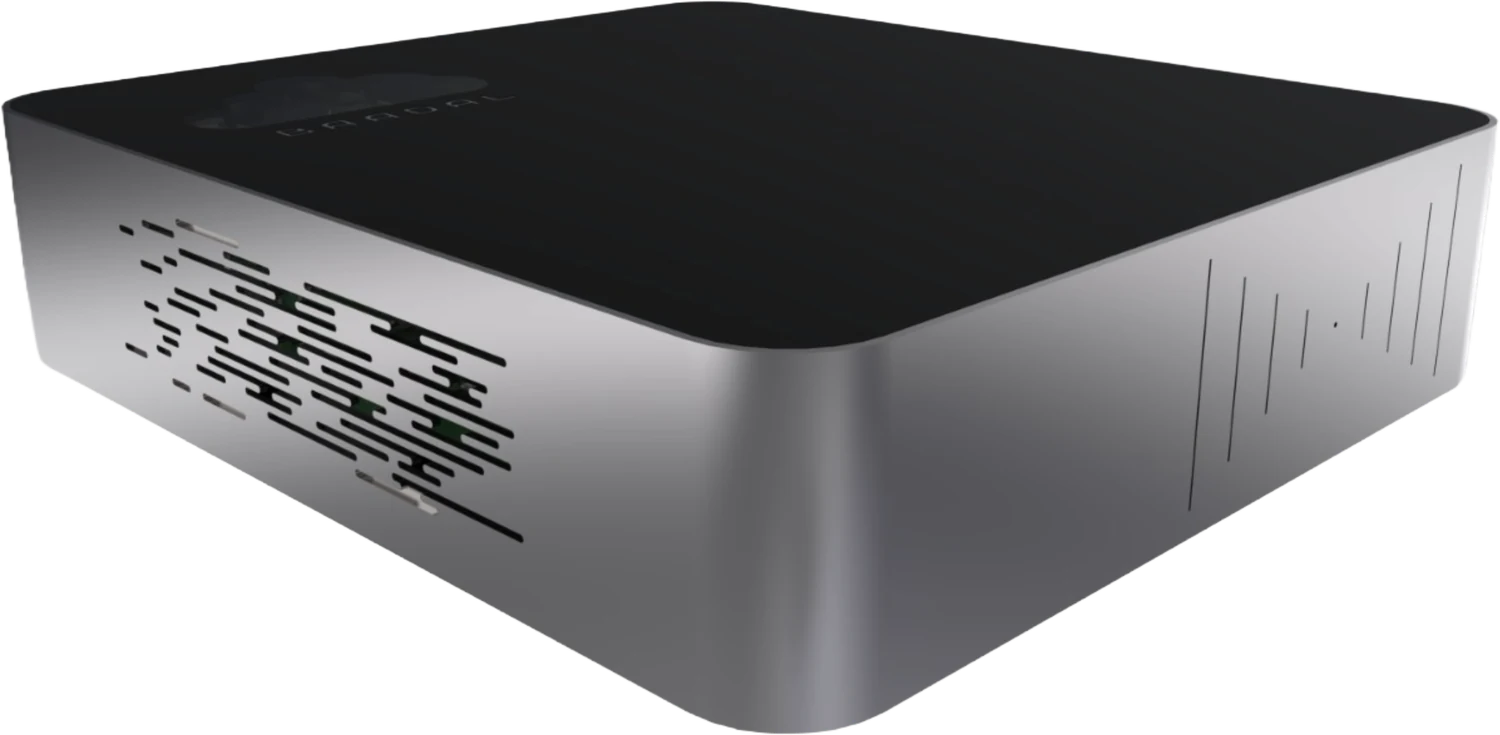
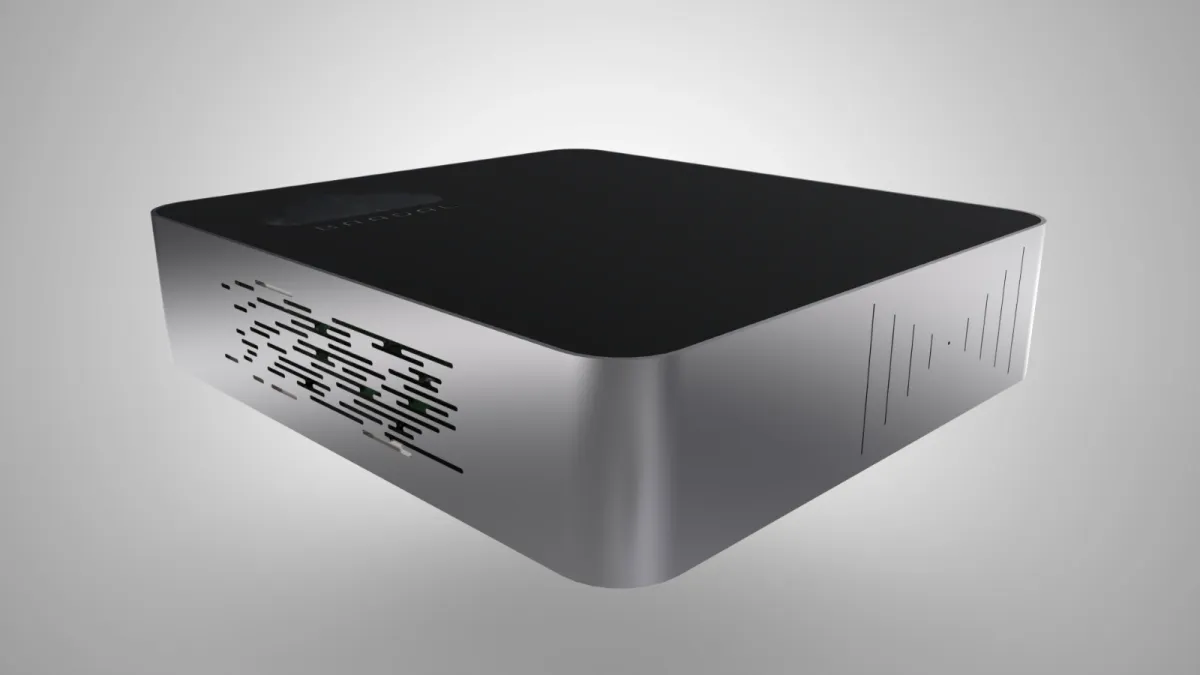
The Baadal device: a small silver server with a black top
It arrives with your patient folders, roles and virtual machines already set up.

Your machine list

Tick what your hospital runs. We add it to your WhatsApp message, so the call starts with your rooms.

Machines and software you run

Nothing ticked yet. The message works either way.