DWG BDL-ENG · R4Construction drawings & documents · contractors · consultants · builders

One drawing set for every site. One record behind every bill.

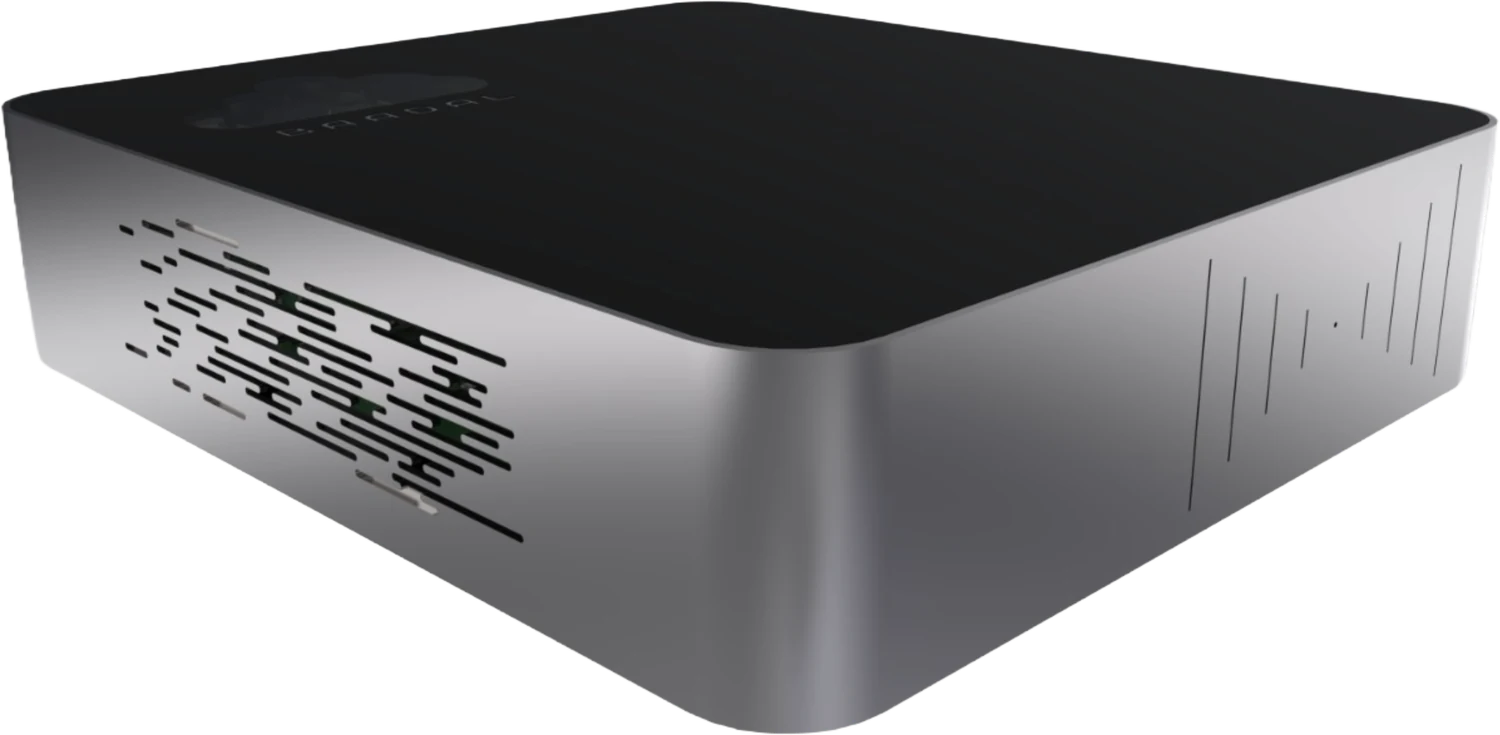
One Baadal, a private cloud server at head office, holds the GFC drawings, BOQs, RA bills, site photos and subcontractor files for every project. Your site engineer opens the latest revision on a phone before the pour, and your QS finds the measurement behind a disputed bill without calling site.

1234
  1. GFC drawings and every revision
  2. BOQs, RA bills and joint measurements
  3. Site photos, DPRs and test reports
  4. P6, Tally and your ERP on their own VMs
The Baadal device with a contractor’s files around it: a slab reinforcement drawing at revision 4, a BOQ, a running account bill, a site photo from a slab pour, a Primavera schedule and a cube test report
Sites
Sites open the issued drawing set from the app
Subcontractors
Subcontractors upload into their own folder
Head office
Head office holds the record for every site
Issued for
Construction

S-01Non-conformance

The paper trail a live project keeps losing.

NCR-01

Wrong revision on site

Observed

The structural consultant revised the slab drawing on Tuesday. On Thursday the site was still fixing steel from the R3 print taped to the container wall.

Corrective action · Baadal

Every site opens one GFC folder at head office, and the old revision is moved to Superseded the day a new one comes in.

NCR-02

A bill without its measurement

Observed

The subcontractor disputes RA Bill 7. The measurement sheet is on a site engineer’s laptop, and the photos are in a WhatsApp group he has since left.

Corrective action · Baadal

The measurement sheet, the joint measurement and the dated pour photos are filed in the project, a search away from the bill.

NCR-03

A claim without its records

Observed

Eighteen months on, the client disputes your extension-of-time claim. The hindrance register, the delay letters and the dated photos behind it are spread across three laptops and a WhatsApp group.

Corrective action · Baadal

The register pages and delay letters turn up in one search for “hindrance Tower B”, scans included.

S-02Revision to site

Issue it once at head office. Every site opens the same revision.

Move the drawing from R0 to R4 and watch where each issue lands. With prints and forwards, every place builds from whatever reached it last. With one GFC folder on Baadal, the site office, the bar-bending yard and the formwork subcontractor all open the current issue.

Issued at head officeP-2318 · Dwarka Tower B
Slab reinforcement drawing STR-SL-04 at R4 ABCD123T10 @ 150T10 @ 150T10 @ 150T10 @ 150T10 @ 150LIFT CORE4800480048004S-04LEVEL 4 SLAB · REINFORCEMENT PLANSCALE 1:100 · ALL DIMENSIONS IN MM1B12 DEEPENED2EXTRA T12 TOP3DUCT4 REVISIONSR002 SEPIFCR116 SEPREVR227 SEPREVR307 OCTREVR415 OCTREV PROJECTP-2318DWARKA TOWER B DRAWINGLEVEL 4 SLABREINFORCEMENT DWG NO.STR-SL-04 REVR4 GFC · ISSUED
0of 3 places building from an old revision

R4 issued 15 Oct. All three places open R4 from the GFC folder; R0 to R3 sit in Superseded.

Head officeBaadal · GFC Drawings folderDrawing register · print room

Over the internet · myBaadal appPrints · WhatsApp forwards · email

Site office · Tower BSite engineer

P-2318 › GFC Drawings

STR-SL-04_Slab_R4.pdfCurrent issue · 15 Oct

Superseded 4

  • R3 · 07 OctSuperseded
  • R2 · 27 SepSuperseded
  • R1 · 16 SepSuperseded
  • R0 · 02 SepSuperseded
Bar-bending yard · Tower BSteel foreman

P-2318 › GFC Drawings

STR-SL-04_Slab_R4.pdfCurrent issue · 15 Oct

Superseded 4

  • R3 · 07 OctSuperseded
  • R2 · 27 SepSuperseded
  • R1 · 16 SepSuperseded
  • R0 · 02 SepSuperseded
Subcontractor · Shree FormworkFormwork supervisor

Shared with you › GFC Drawings

STR-SL-04_Slab_R4.pdfCurrent issue · 15 Oct

Superseded 4

  • R3 · 07 OctSuperseded
  • R2 · 27 SepSuperseded
  • R1 · 16 SepSuperseded
  • R0 · 02 SepSuperseded

On Baadal, your planning engineer files each new revision in the GFC Drawings folder and moves the old one to Superseded. That folder is shared with each site and subcontractor, and sharing makes no copy, so they read the folder itself rather than a file someone saved last week. Its sharing panel lists every site, subcontractor and link it is open to.

S-03One record behind every bill

When a bill is disputed, the record behind it is already filed.

Shree Formwork questions an item on RA Bill 07. Your QS doesn’t call site or scroll back through a WhatsApp group. The measurement sheet, the joint measurement, the revised rate and the dated pour photos were filed in the project as the work happened. A search for “Tower B L3 slab shuttering measurement” finds the sheet and the rate, and the photos sit in that day’s site records.

Running account billRA Bill 07
Subcontractor
SC-14 · Shree Formwork
Work
Formwork · Tower B
ItemDescriptionBacked by
3.1Column shuttering, level 3JM ✓
3.2Slab soffit shuttering, level 3 Disputed5 documents, see the parts list
3.3Beam sides and bottoms, level 3JM ✓

Parts list · what sits behind item 3.2

  1. Measurement sheetMS_L3_Slab_RA07.pdf07_Subcontractors / SC-14 · Shree FormworkUploaded by the subcontractor
  2. Joint measurement recordJM_L3_Slab_Shuttering.xlsx05_Billing / Joint MeasurementsSite engineer, with the subcontractor
  3. Work order with the revised rateWO_SC-14_Amendment-2.pdf07_Subcontractors / SC-14 · Shree FormworkHead office
  4. Pour photos, datedTowerB_L3_Pour_0919.jpg04_Site Records / DPR & PhotosSite engineer
  5. Daily progress reportDPR_TowerB_19Sep.pdf04_Site Records / DPR & PhotosSite engineer

File names are examples. Your folders follow the project template we agree with you.

S-05A day on site

Slab pour day at Tower B.

A head office, several live sites and one pour that cannot wait. This is the day the right drawing, the right test report and the right record all matter before lunch.

Site engineer

Walks the slab with the pour card before the pump arrives, checking the steel against R4 in the GFC folder on a tablet. R4 reached site on Tuesday, and the R3 print in the site office is already stamped Superseded.

QA/QC engineer

Notes the slump of each transit mixer, casts the cube samples and photographs every RMC delivery challan into the project’s Quality folder, so head office can match quantities to the supplier’s invoice without asking site for copies.

Shuttering subcontractor

Uploads the measurement sheet for the fourth-floor slab into their own folder for RA Bill 8. They can’t see any other subcontractor’s folder or rates.

QS at head office

Types “Tower B level 4 slab shuttering measurement” and gets the subcontractor’s sheet and the work order with its rate, without calling site.

Project manager

The client’s PMC asks for the 28-day cube results on the third-floor slab. They go out as a view-only link that expires on Friday.

Project director

Reads the day’s DPR and pour photos from home on the myBaadal app, then signs in from a browser to approve the material indent the site raised for next week’s columns.

S-06Your project template

A project folder your site team will recognise on day one.

Your project template is set up before Baadal leaves our office. When a new work order comes in, the site engineer in Pune and the QS at head office start from the same folders and know where GFC drawings, RA bills and cube reports belong.

General notes

  1. Tender, contract, drawings, site, billing, quality, handover: the life of a contract, in order
  2. A separate Superseded folder keeps old revisions out of the site’s way
  3. Site teams work inside their own project; tender pricing stays with head office
Project folder templateSet up before delivery
  • Projects/
    • P-2318 · Dwarka Tower B/
      • 01_Tender & Contract/Tender pricing · head office only
        • BOQ_Dwarka_Rev3.xlsx
      • 02_Drawings/
        • From Consultants/
        • GFC Drawings/Current issue only
          • STR-SL-04_Slab_R4.pdf
        • Superseded/Old revisions, out of the site’s way
        • Shop Drawings/
      • 03_RFIs & NCRs/
      • 04_Site Records/
        • DPR & Photos/
        • Hindrance Register/The evidence for a time-extension claim
      • 05_Billing/
        • RA Bills/
        • Joint Measurements/The record behind each RA bill
      • 06_Quality/
        • Cube Tests & MTCs/
      • 07_Subcontractors/
        • SC-14 · Shree Formwork/Each subcontractor uploads here
      • 08_Handover & As-built/

S-07Your own workflow

Set how a revision gets from the consultant to the slab.

Every drawing, RFI and bill has a path through your company and a person who must approve each stage. Put that path on Baadal, and every site follows the same steps.

Example workflow · Drawing revision to site

  1. 01

    Revision in

    Structural consultant

    The consultant uploads R4 of the slab drawing, with its transmittal, into the project’s From Consultants folder.

  2. 02

    Checked

    Planning engineer

    The clouded changes are checked against R3 and the transmittal is logged.

  3. 03

    Released to site

    Project manager

    The project manager releases R4 to site, or raises an RFI with the consultant when a dimension or bar mark doesn’t tie up.

  4. 04

    Issued

    Planning engineer

    Files R4 in the site’s GFC Drawings folder and moves R3 to Superseded.

  5. 05

    Acknowledged

    Site engineer

    The site engineer confirms receipt as the last step, so head office knows R4 has reached site.

Material indents, RFIs, NCRs and RA bill certification can each get their own steps when we configure your Baadal.

S-08Who sees what

Site teams in their site. Subcontractors in their package.

Give access by role and by project. When a site engineer moves from Tower B to another site, move him into that site’s group; if he leaves the company, disable his account.

Pick a place on the plan to see whose pass works there.

PD

Project directors

Can open

  • Every project, every site
  • Tender pricing and margins
  • Indents and approvals from every site
QS

QS & billing engineers

Can open

  • BOQs, joint measurements and RA bills
  • Subcontractor bills on every project

No access

  • No access: Labour and HR records
SE

Site engineers

Can open

  • Issued drawings and RFIs for their site
  • Uploading DPRs, photos and pour records

No access

  • No access: Tender rates and other sites’ bills
SC

Subcontractors

Can open

  • Their own package folder to upload into
  • Drawings you issue them, view-only

No access

  • No access: Anyone else’s folders or rates
CL

Client & PMC

Can open

  • Progress and test reports you share

No access

  • No access: BOQ rates, subcontractor bills and internal notes

NoteIf head office’s internet drops, people there keep working on the office network while Baadal and the network have power. Sites need the internet to reach head office and reconnect when it returns.

Every user gets an Activity list of what changed in the folders they can reach: drawings added, edited, shared, deleted or restored, and downloads through links they sent. Opening a drawing isn’t recorded.

A listed company with more than 200 employees runs on Baadal across branches.

S-09Subcontractors, consultants and clients

The client sees progress reports. Never your rates.

Each subcontractor gets a package folder to upload into, so measurement sheets, bills and submittals reach the right project. Drawings and progress reports reach consultants, the client or the PMC as links you can lock to view-only, with no download button, and end when the package closes.

  • Measurement sheets, bills and PF/ESI challans arrive filed by package
  • Your client and PMC see the reports you share, not your rates
  • End a subcontractor’s access the day the package closes

S-10Software you already run

Primavera, Tally and your project ERP, hosted at head office.

A Primavera P6 database, Tally or a construction ERP that installs on Windows or Linux can be hosted on the head-office Baadal itself, each on a virtual machine of its own. The office uses it at network speed.

Schedule of virtual machines · example
TagSoftwareRuns onForStatus
VM-01Primavera P6Windows VMproject databaseRunning
VM-02TallyPrimeWindows VMaccounts teamRunning
VM-03Project ERPUbuntu VMstores and billingRunning

On every VMStartStopSnapshot

  • Drawings and analysis models from AutoCAD, STAAD.Pro and ETABS are kept in the project folders, with version history behind each file
  • P6 and MS Project schedules are saved with each project, so site and head office read the same programme
  • With the ERP on Baadal, site stores and head office work in the same copy of it

Scheduling, accounts and ERP software that can run on a Baadal VM

  • Primavera P6Windows
  • TallyPrimeWindows
  • BusyWindows
  • SAP Business OneWindows / Linux
  • ERPNextLinux
  • OdooLinux

Product names and logos belong to their owners and are shown to indicate software that can run on a Baadal virtual machine. Baadal is not affiliated with these vendors.

LicencesEvery user who needs P6, Tally or anything else hosted here must be covered by your software and Windows licences; we check this with you on the demo call.

S-11Contracts, workers and data protection

The client’s drawings and your workers’ details, kept on hardware you own.

A contractor holds the employer’s drawings under a confidentiality clause, its own tender rates, and ID proofs and bank details for everyone on the muster roll. Builders add homebuyer KYC on top. Your contracts bind you to guard the employer’s documents, and the Digital Personal Data Protection Act, 2023 covers the personal data, with its duties for businesses being phased in under the DPDP Rules, 2025.

  1. 1.0

    Your contract · confidentiality clause

    Where the contract has one, use the employer’s drawings and documents for this project only, and pass them only to those it allows.

    How Baadal helps

    Drawings stay on a server your company owns, not with a cloud storage company. Each consultant and subcontractor sees only the folders you share, and a share can be view-only, download-blocked or revoked.

  2. 2.0

    DPDP Act · reasonable safeguards

    Protect the personal data you hold, from workers’ ID proofs and bank details to homebuyer KYC, with reasonable security safeguards.

    How Baadal helps

    Encrypted drives on the Baadal, encrypted connections from every site, folders opened by role, and labour and KYC records that only the people you choose can reach.

  3. 3.0

    DPDP Act · breach notice

    When a breach happens, tell the Data Protection Board and every person whose data was involved.

    How Baadal helps

    Folder share lists show which people and links could reach a project, and Activity shows what was shared and downloaded through public links, which helps you work out what was reached and whose data it held.

  4. 4.0

    Labour Codes (in force from Nov 2025) · registers

    Keep registers of the workers on each site, their wages and attendance, in the form your state’s rules set, and produce them when an inspector asks. Contract labour is covered too, so the principal employer needs its contractors’ records as well.

    How Baadal helps

    Each site’s registers, and the PF and ESI challans your subcontractors upload, are filed in one place and found by search, scans included.

Not legal adviceBaadal gives you tools for these duties; installing it doesn’t discharge them. Your contracts, consents, policies and site practice still matter. This is a summary for orientation, not legal advice.

S-12Records and retention

The project record has to outlive the last claim.

Arbitrations, audits and RERA queries arrive long after the last pour. Baadal keeps years of drawings, bills and registers at head office and gets you to the right one when they do.

Contract records

Through the final bill and beyond

Joint measurement records, RA bills, hindrance registers and correspondence are what a final bill, a time-extension claim or an arbitration is argued on. Keep them until each is closed, and check what your contract requires.

GST

72 months

Keep tax invoices, RA bills and the records behind your input credit for 72 months after that year’s annual return falls due, and longer if an appeal or proceeding is still open.

RERA · builders

Plans, approvals, progress

Registered promoters disclose sanctioned plans and approvals, update the project’s status on the authority’s website every quarter, and draw from the project’s separate RERA account in step with completion, against certificates from an engineer, an architect and a practising CA.

  • Version history and undelete
  • RAID mirroring
  • Scheduled backups
  • Encrypted drives at head office

Duties and retention periods are summarised for orientation, not legal advice. Check your contracts, your state’s RERA rules and current labour and tax law.

S-13Comparative statement

Which option keeps head office and every site on one drawing set?

Side by side, in the terms a project office cares about.
What mattersGoogle Drive / DropboxA NAS from a shopBaadal
Where drawings and project files sitProvider’s infrastructureYour premisesYour premises, on hardware you own
Getting the current drawing to siteShared folders work, but downloaded copies and forwards lingerOften emailed or copied to site laptopsSite opens the one issued folder in the myBaadal app; switch off download and sync to keep copies off site phones
Bills and measurement sheets from subcontractorsA shared folder per subcontractor, created and tracked by handMostly arrive on WhatsApp and get saved later, if at allEach subcontractor uploads into a folder from your project template
Finding an old NCR or test certificateSupported file types and plans varyDepends on indexing software and file typeFull-text and AI search, scanned certificates included
When a site engineer leavesClose the account, then chase the links they sharedReset access on each share separatelySwitch the account off; what they filed remains in the project
Primavera, Tally or a project ERPSeparate hosting or a cloud subscription for eachUsually installed on one PC at head officeOn its own virtual machine on the device, open to head office and site
Who sets it upYour team or an IT partnerYour team or an IT partnerProject folders, site logins and roles set up by Baadal before delivery
What you payProvider plan; costs depend on users and storageHardware, plus any software and supportOne-time hardware + annual support plan

Capabilities depend on the product, plan, hardware and configuration.

S-14Requests for information

Contractors and consultants usually ask us this.

RFI-01 How do we stop a site building from an old drawing?
Response

Give each site a GFC folder that holds only the current revision, and move the older one to Superseded whenever a new one is issued. Site engineers open that folder from the myBaadal app on a phone or tablet. A drawing-issue workflow can require the project manager’s approval before anything reaches it.

RFI-02 Can our site offices reach files kept at head office?
Response

Yes. Site engineers, planners and store keepers sign in through the myBaadal apps on Android, iPhone, iPad, Windows or Mac, or in a browser, and see only the projects their role allows. A site needs an internet connection to reach head office. If the head office’s own internet drops, people there keep working on the office network while it and Baadal have power, and sites reconnect when the connection returns.

RFI-03 Do AutoCAD, STAAD.Pro or ETABS run on Baadal?
Response

Keep them on your engineers’ workstations, as you do today, and save the drawings and models into the project folders on Baadal, with version history behind every file. Baadal also runs Windows and Linux virtual machines, so software that installs on Windows or Linux, such as a Primavera P6 database, Tally or a project ERP, can be hosted on the device. Tell us what you use and we check its requirements and your licences on the demo call.

RFI-04 Can the client or PMC follow progress without seeing our rates?
Response

Yes. Share the progress-report and test-report folders with the client’s team as view-only, and keep BOQ rates, subcontractor bills and tender working out of what they are given. They see only what you share, and you can end their access at handover.

RFI-05 How do subcontractors send us bills and measurement sheets?
Response

Each subcontractor uploads into a folder for their own package. Measurement sheets, bills, labour documents and submittals arrive there instead of in a WhatsApp group, and no subcontractor can see another’s rates.

RFI-06 What happens to a project’s files after handover?
Response

They stay on hardware you own through the defects liability period and any claim that follows. For a builder, RERA also makes the promoter rectify structural defects reported within five years of possession, so the quality records need to stay reachable. Move the as-builts and the handover set into an archive folder, narrow who can open it, and search it years later the same way as a live job. Scheduled backups keep a separate copy on the drive or storage you choose.

RFI-07 Our drawings are spread across site laptops, email and WhatsApp. Where do we start?
Response

On the setup call we look at where your project files sit today and agree your project template. Then we help you plan the move project by project, in the order that suits your live sites, and confirm the schedule once we have seen your data and the software you use.

RFI-08 If the Baadal at head office fails, are the drawings lost?
Response

Call Baadal support and we diagnose the fault and arrange recovery or repair under your support and warranty terms. If the drives are set up mirrored (RAID-1), that helps when a drive fails, and your scheduled backups hold a separate copy. Mirroring is not a backup, so keep both.

S-15Book a demo

One project, GFC drawing to RA bill, in twenty minutes.

In the demo we lay out a project the way a contractor runs one, open it on a phone the way your site engineer would, and then quote for your head office and sites.

Call +91 78620 22715

The silver Baadal device on an office desk
Photo 01Head office · the Baadal device