For video, photo and design studios

Your studio’s shoots, edits and masters in one place. Not on an editor’s USB drive.

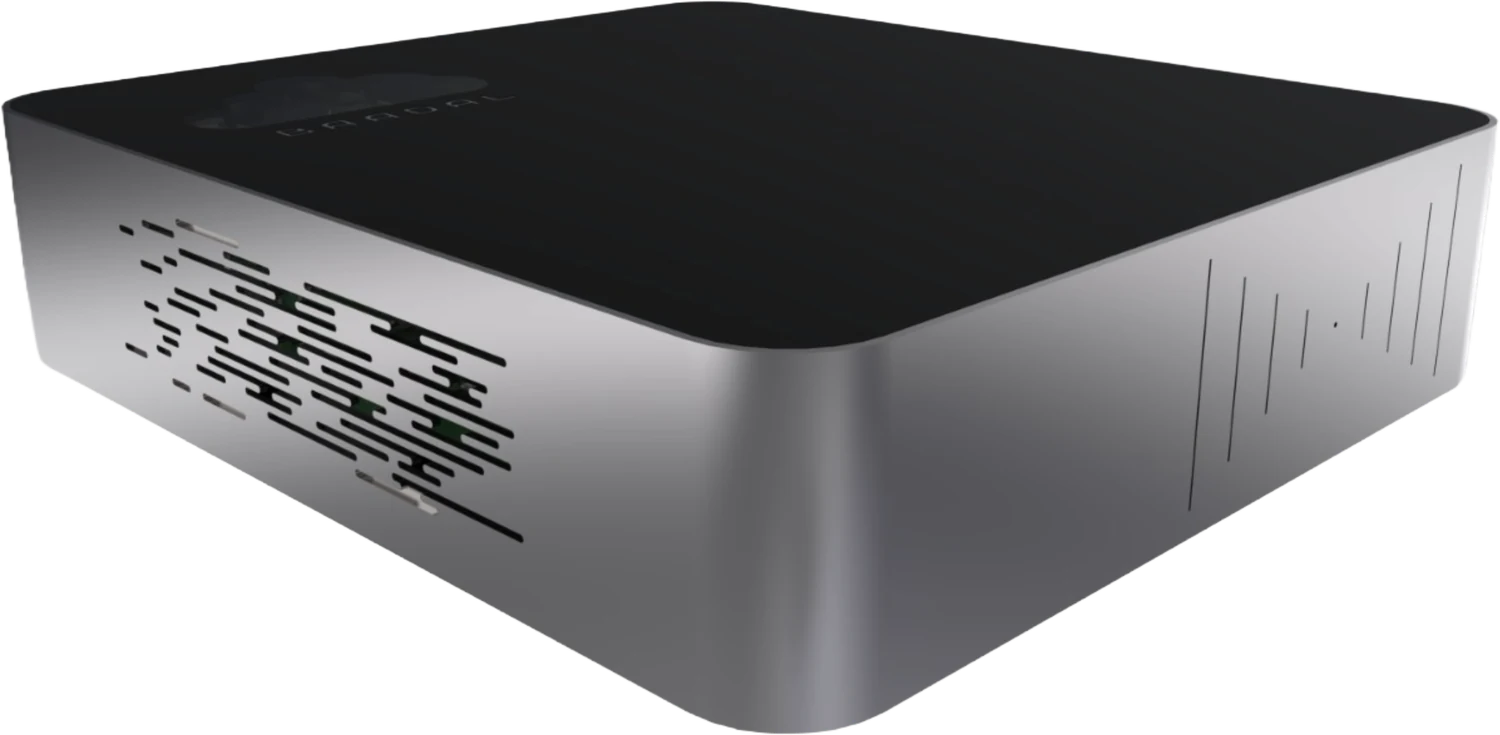
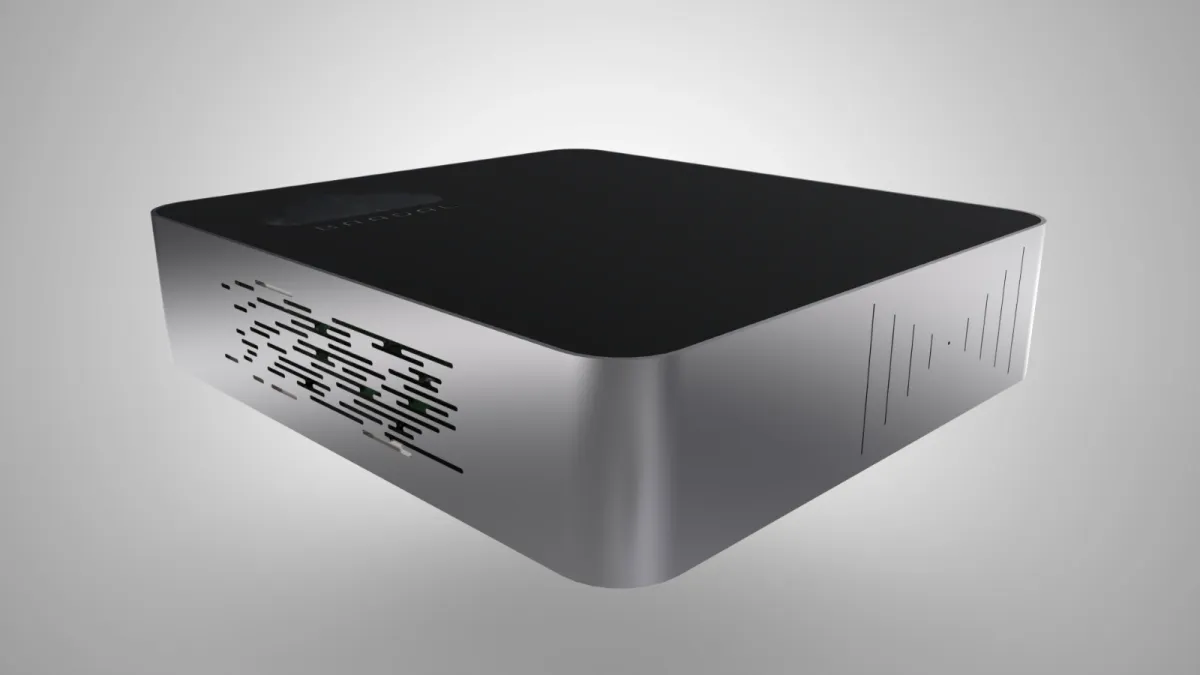
Camera cards are copied into the job folder on Baadal, a private cloud server in your studio. Video editors and designers reach it at full speed over the office network, and clients get review and delivery links you control. The footage stays on hardware you own.

ProgramDiwali_TVC_30s01:00:12:08
  • Every edit desk reaches the same footage
  • Review links with downloads switched off
  • Clients upload brand assets into their folder

01:00:30:00Before and after

No more couriered hard disks, lone USB copies or wrong cuts.

  1. Before · NG

    The client wants all the rushes from their corporate shoot. You copy 80 GB onto a hard disk, send it by courier and hope it arrives in one piece.

    With Baadal · Print it

    Send one delivery link with downloads on and an end date.

  2. Before · NG

    The edit lives on a USB drive that travels between editors’ desks. It is also the only copy of Saturday’s shoot.

    With Baadal · Print it

    The shoot sits in the job folder on Baadal, and every editor reaches it over the office network.

  3. Before · NG

    The client was sent v2 with the temp music still in it, because it happened to be the newest file in the shared folder.

    With Baadal · Print it

    Your creative director approves each cut before it goes out, and any link can be revoked in one tap.

01:01:00:00Delivery calculator · time only

How long does 80 GB take?

Your client wants every take from a two-day corporate shoot. Put in the size of the delivery, your studio’s upload speed and how long your courier usually takes, and compare the two ways of getting it there.

Your numbers

GB
Mbps

Check it with any speed test on the studio network.

days

Time to reach the client

Hard disk by courier48:00:002 days

Door to door, not counting the time it takes to copy the footage onto the disk.

At 100 Mbps, 80 GB reaches your client in about 1 h 47 min by link: roughly 27 times sooner than a 2-day courier.

Assumes your connection holds the upload speed you enter. Real transfers usually run a little slower, and the client’s own connection matters too. Inside the studio, editors reach the same footage over the office network.

01:01:30:00Ingest → edit → colour → review → deliver

Scrub through one job, from shuttle drive to master.

The shuttle drives are back from set, the client wants a first cut by Friday and a freelance animator starts today. All three land on the same morning.

Job 2026-118 · Desai Foods · Diwali TVC01:00:00:00
BinJob folder template · ad film
  • Jobs
    • 2026-118 · Desai Foods · Diwali TVC
      • 00_Brief, Quote & PO
      • 01_Pre-Production
        • Script_v5.docx
        • Call_Sheet_Day2.xlsx
      • 02_Footage
        • Day01_A-Cam_BRAW
        • Day01_B-Cam_ProRes
        • Day01_Sound
      • 03_Releases & Permits
      • 04_Project Files
        • Diwali_TVC_Edit_v14.prproj
        • Diwali_TVC_Grade_v3.drp
      • 05_Graphics & Fonts
      • 06_Audio, VO & Music Licences
      • 07_Exports
        • For Client Reviewmarked
        • Approved
      • 08_Final Delivery
01 / 05

Ingest

The shoot comes off the DIT’s shuttle drives and into the job folder, and gets a second copy the same night.

  1. 09:00
    Assistant editor

    Copies both days of A-cam BRAW, B-cam ProRes and sound from the DIT’s shuttle drives into the job’s Footage folder. The shoot now sits on the studio’s server, not only on a drive in someone’s bag.

  2. 23:00
    The backup

    Runs on schedule after the studio empties and copies the day’s rushes to a separate disk. If the drives are mirrored, that covers a failed drive; this is the second copy.

In the job folder02_FootageDay01_A-Cam_BRAWDay01_B-Cam_ProResDay01_Sound

02 / 05

Edit

The editor, a designer and a freelancer who started today all work on the same job, each from the folders shared with them.

  1. 10:30
    Editor

    Picks up the rushes for the assembly from the job folder over the office network. Nobody walks a USB drive from desk to desk to get them.

  2. 12:15
    Designer

    Asks for “Desai Foods logo, white version” and gets the logo pack the client uploaded in March, along with their brand guideline PDF.

  3. 15:00
    Freelance animator

    Is given the end-card folder for this one job and nothing else. Their access stops on the last day of their contract, set when the folder was shared.

In the job folder04_Project FilesDiwali_TVC_Edit_v14.prproj05_Graphics & Fonts

03 / 05

Colour

The cut is locked, the grade goes on, and the first review export lands where the producer expects it.

  1. Grade
    Colourist

    Picks up the locked cut and the same footage from the job folder. Version history keeps earlier saves of the grade, so yesterday’s look can be brought back if the client prefers it.

  2. Cut exported
    Editor

    The editor exports the review cut into the job’s For Client Review folder, with the version number in the file name.

In the job folderDiwali_TVC_Grade_v3.drpFor Client Review

04 / 05

Review

Two sign-offs stand between the edit suite and the client: your creative director’s, then the client’s own.

  1. Internal check
    Creative director

    The creative director approves the cut or sends it back with notes, before anyone outside the studio sees it.

  2. Out for review
    Producer

    The producer shares the cut with the client as a view-only link, downloads off, set to expire in a few days.

  3. Client sign-off
    Producer

    The producer files the client’s approval email in the job folder, naming the exact version they agreed to.

In the job folderFor Client ReviewApproved

05 / 05

Deliver

The approved master goes out, and the whole job goes into the archive in one piece.

  1. Master delivered
    Studio manager

    The approved master goes out on a delivery link with downloads on, and the studio manager moves the job folder into the archive.

In the job folderApproved08_Final Delivery

Creative director’s sign-offClient sign-off

From brief to master, one skeleton for every job.

Your job template is ready before Baadal reaches the studio. Whoever offloads the cards, cuts the film or chases a release form puts it in the same place on every job.

  • Brief, pre-production, shoot, edit, sound, review, delivery, numbered in that order
  • A separate template for an ad film, a wedding or a brand identity job
  • Freelancers get the one job they’re hired for, not the whole server

Nothing reaches the client until the right person has seen it.

A cut or a design moves through stages, and someone has to approve each one. Put those stages on Baadal, with the creative director’s sign-off and the client’s approval as steps of their own. Photo edits and logos going through rounds get approval stages of their own too.

01:02:00:00Built for your studio

We build your custom app or workflow to suit your needs.

Tell us how a job moves through your studio today, from enquiry to final invoice. We build the app, form or approval flow around it, and it runs on your own Baadal, beside your footage.

For example

  1. Shoot booking with crew, kit and call sheetsBuilt to order
  2. Release-form register for everyone on cameraBuilt to order
  3. Revision-round tracker for each deliverableBuilt to order
  4. Freelancer onboarding with NDA and an access end dateBuilt to order
  5. Request form for reopening an archived jobBuilt to order
Tell us what to build

01:02:30:00Who sees what

Editors, producers and freelancers, each in their own lane.

Editors see their projects, producers see the paperwork, freelancers see one job until their dates run out. Clients only ever see their own folder and the links you send. When someone moves on, an admin turns their account off on the web, and the studio keeps everything they made.

  • Creative director · admin

    • Every job and every client
    • Adding freelancers and switching off their accounts
  • Producers

    • Briefs, quotes, call sheets and releases
    • Sending review and delivery links
    • Cannot open: Studio accounts and salaries
  • Editors & colourist

    • Footage, project files and exports for their jobs
    • Saving new versions of a cut or a grade
    • Cannot open: Contracts, quotes and invoices
  • Designers

    • Brand assets, fonts and design files for their clients
    • Exports for review
    • Cannot open: Other clients’ unreleased campaigns
  • Freelancers

    • The one job they’re hired for
    • Access that ends on a date you set
    • Cannot open: Every other job in the studio

01:03:00:00Review and delivery

Review links without a download button. Delivery links that expire.

Share a review cut as a view-only link with downloads switched off. Once the client signs off, share the delivery folder with downloads on and an end date. And give each client a folder of their own for logos, fonts and the footage they shot themselves.

Share by link

MOVDiwali_TVC_30s_Review_v3.movShared with Desai Foods marketing
  • View onlyOn
  • Allow download
  • Link downloadsListed in Activity

The client can watch the cut in the browser. There is no download button.

  • Review cuts go out view-only, with downloads off
  • Clients upload brand assets and their own footage into their folder
  • Every link can carry an end date and be revoked in one tap

01:04:00:00Software on your Baadal

Your editing suites stay on your workstations. Your back office moves onto Baadal.

Premiere Pro, DaVinci Resolve, After Effects, Photoshop, Illustrator and Blender stay on your editors’ and designers’ machines; Baadal holds the projects and media they work on. It also runs Windows and Linux virtual machines on the device, so studio accounts, a production tracker or an asset library can live there too.

Stays on the edit and design desks

  • Premiere Pro
  • DaVinci Resolve
  • After Effects
  • Photoshop
  • Illustrator
  • Blender

Open projects and media from the job folders

On your Baadal

  • Tally or Busy for client invoices and studio accounts, on a Windows VM
  • A self-hosted production tracker or asset library, if it installs on Linux
  • Invoices and GST books on the same server as the jobs they bill

Licences for Windows and for every application you host must cover the people who will use it. We go through your software with you on the demo call.

Back-office and studio tools that can run on Baadal

  • TallyPrimeWindows
  • BusyWindows
  • KitsuLinux
  • ResourceSpaceLinux
  • OdooLinux

Product names and logos belong to their owners and are shown to indicate software that can run on a Baadal virtual machine. Baadal is not affiliated with these vendors.

01:04:30:00Rights, releases and personal data

The faces in your footage belong to people. Look after them.

A studio holds more personal data than it thinks: faces in every frame, phone numbers on call sheets, ID copies stapled to release forms, audition tapes from a casting call. The Digital Personal Data Protection Act, 2023 expects you to protect it, with its duties switched on in phases by the DPDP Rules, 2025. Your contracts and the Copyright Act decide who owns the work you deliver.

Law or dutyWhat it asks of your studioHow Baadal helps

DPDP Act, 2023 · security safeguards

Footage of a person who can be identified can count as personal data. Take reasonable security safeguards to protect it.

Raw footage, release forms and talent ID copies stay on hardware your studio owns, with its drives encrypted, and open only to the people on that job.

DPDP Act, 2023 · erasure

When someone withdraws consent or the purpose is over, delete their personal data, unless a law requires it to be kept.

Audition tapes and casting photos sit in one folder, not across laptops, phones and memory cards, so you know what to delete when the time comes. Remember the copies held in Deleted files and in your backups too.

Copyright Act, 1957 · commissioned work

Under section 17, a client who commissions and pays for a photograph or a film is its first owner unless your contract says otherwise. Any assignment of copyright must be in writing.

The signed contract, the brief and every delivered master sit in the same job folder, with version history on each file, so you can show what was delivered.

Talent, model and location releases

A signed release sets out where, and for how long, you may use a person’s image or a property. For a child on camera, a parent or guardian signs. Keep it where you can produce it.

Each shoot’s releases live in its Releases folder, and search reads the printed text on scanned forms.

Baadal supports these duties without settling them for you; release wording, consent notices and your contracts still decide most of it. Check when each DPDP duty applies to your studio, since they start on different dates. A summary for orientation, not legal advice.

01:05:00:00Your archive

Old jobs come back. Keep them where you can reopen them.

A client asks for a cut-down of last year’s film, a new language version or the open files for a logo. Baadal keeps finished jobs, their releases and their invoices in the studio, and scheduled backups make a separate copy. What you must keep, and for how long, is set by your contracts and the law.

Client archive

Ready to reopen

Clients come back for cut-downs, re-edits and regional versions. Keep the project file, the media it uses and the delivered master in one job folder, so the work can be picked up years later.

Releases & licences

As long as the work runs

Keep each release and each music or stock licence for as long as the work that depends on it is in use, together with the contract that says who owns what you delivered.

GST invoices

72 months

If your studio is registered for GST, the invoices you raise and the books behind them are kept for 72 months from the due date of that year’s annual return, and longer while an appeal or other proceeding is open.

  • Version history and undelete
  • RAID mirroring
  • Scheduled backups to USB, a network share or S3
  • Encrypted drives on the device

Retention periods are a summary for orientation, not legal advice. Your contracts, and your CA, decide what you must keep for each job.

01:05:30:00Your options

The footage question: cloud drive, NAS, or Baadal.

The questions a production house or design studio runs into every week.

The footage question: cloud drive, NAS, or Baadal.
The questionCloud driveA NAS from a shopBaadal
Where raw footage and client media sitProvider’s infrastructureYour premisesYour premises, on hardware you own
Getting footage to every edit machineUsually synced or downloaded to each machine firstOver the office network; depends on the NAS and its setupFull speed over the office network; we review your edit setup first
Sending a client the full shootUpload it all first; limits depend on the planNeeds remote access set up separatelyA delivery link with downloads on and an end date
Showing a client a draft cutShare settings vary by product and planDepends on the NAS softwareView-only link, downloads off, revoked in one tap
Finding a signed releaseSupported file types and plans varyDepends on indexing software and file typeReads scanned release forms; ask in plain words
When a freelancer’s contract endsRemove them from each shared folderRemove their user and check each share by handEach share lapses on its end date; disable the account on the web when they finish
Who sets it upYour team or an IT partnerYour team or an IT partnerBaadal sets up your job template, roles and access
What you payProvider plan; costs depend on users and storageHardware, plus any software and supportOne-time hardware + annual support plan

Capabilities depend on the product, plan, hardware and configuration.

01:06:00:00Frequently asked questions

Studio owners and producers ask us this first.

Can my editors cut straight from Baadal, or do they still copy footage to their machines?

Every edit machine reaches the job folders on Baadal at full speed over the office network, so the shoot lives in one place instead of on USB drives. Whether an editor cuts straight off the server or keeps a working copy on their own machine depends on your footage format, your workstations and your network, so we look at your setup on the demo call before recommending a way of working.

If two editors open one Premiere or Resolve project, whose changes win?

Baadal keeps the project and its media in one place both editors can reach, but it does not merge two people’s changes to the same project file; that depends on your editing software and how you work. Version history lets you go back to an earlier save if one editor overwrites another.

How do we hand a client every take from a shoot?

Share the delivery folder as a link with downloads on and an expiry date. It travels from your studio over the internet, so the time it takes depends on your office upload speed and the client’s connection.

What stops a client from downloading a draft cut?

Send the review export as a view-only link with downloads switched off and an end date. The client can watch it in the browser but gets no Download button; nothing stops a determined viewer recording the screen. If it goes to the wrong person, revoke it in one tap and the link stops working there and then.

How do freelancers fit in?

Share the one job folder they are working on, with an end date. They see that job and nothing else, and their access stops on the day you set. When they finish for good, disable the account: they can no longer sign in, and everything they saved stays with the studio.

Is a mirrored drive enough to keep our footage safe?

No. RAID mirroring keeps the studio working if one drive fails, but a file that is overwritten or corrupted is mirrored too. Schedule backups to a USB disk, a network share or S3 outside working hours so there is a separate copy of every shoot. If the device itself has a fault, Baadal support diagnoses it and arranges recovery or repair under your support and warranty terms.

Can the team reach files from a location or a venue?

Yes. The myBaadal apps on Android, iPhone, iPad, Windows and Mac, or any browser, reach your Baadal over the internet, so the call sheet, shot list or client’s reference board is on a phone at the location. Heavy footage moves best on the studio network.

Can our archive of old jobs come across too?

Yes. Past jobs sitting on external drives, an old NAS or editors’ machines can be copied into the job folders over the office network, and our team guides your onboarding, starting with a 20-minute call. How long it takes depends on how much footage there is.

01:06:30:00Book a demo

Watch a job travel from shoot to delivery.

A 20-minute demo shows Baadal set up the way a production house or design studio works, from the first card copied in to the last delivery link. We go through your edit setup and your software with you on the call.

Call +91 78620 22715

Export01:00:30:00
The Baadal device: a small silver server with a black top
Set up for your studio before it arrives