Baadal™
Principal & management
Opens
- Every class, record and staff file
- Staff accounts, from new joiners to leavers, when they hold the admin account
Records management for schools, colleges & coaching institutes
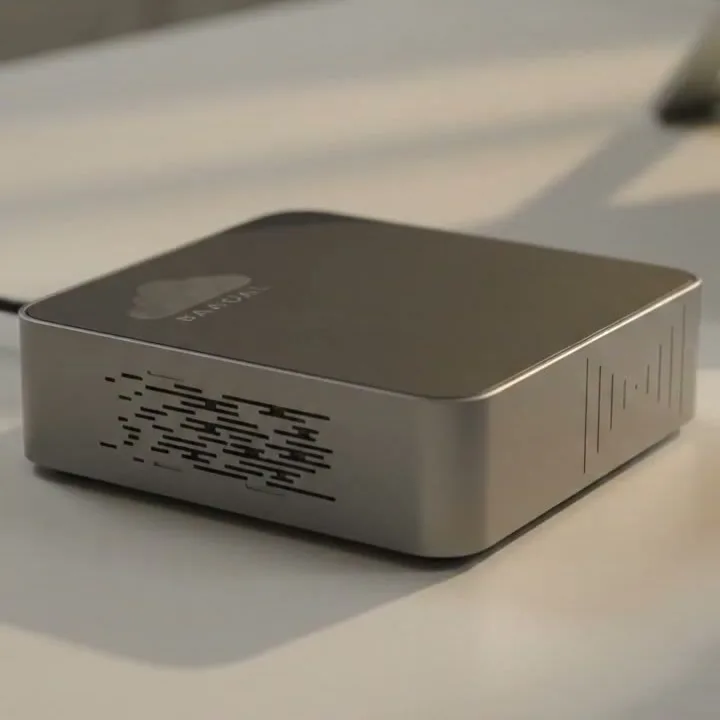
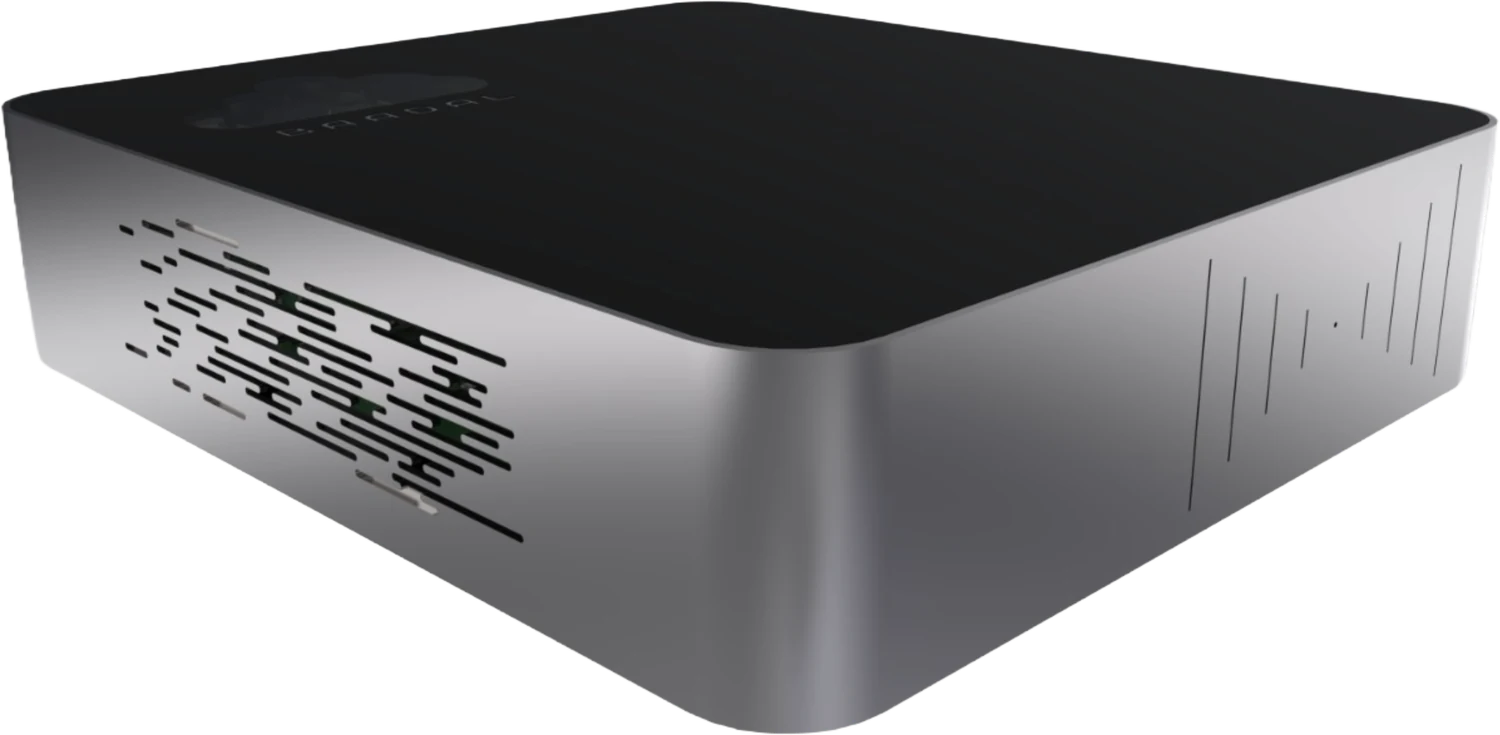
Admission files, results, question papers and staff records live on Baadal, a private cloud server in your school office. The principal, office, exam cell, teachers and accounts each see only their own part, on campus or from home, and children’s data stays on hardware your school owns.
Before and after
Today
Marks, student photos and parents’ numbers sit in a dozen teachers’ personal Google Drives and WhatsApp chats. If a parent asked what the school holds on their child, nobody could list it.
With Baadal
Class records live in the school’s own folders, opened by the teachers of that class.
Today
The pre-board paper went from a teacher’s home email to the exam cell, then to the print room, and now sits on three PCs. Nobody can say who else has seen it.
With Baadal
Papers sit in a folder only the exam cell and principal can open, so the list of who could see one is two names long.
Today
Fifteen years of results and scanned admission registers live on one office PC. If its hard disk fails, the school loses its memory.
With Baadal
Mirrored drives if you choose them, a scheduled backup, and an old result sheet found by searching a student’s name.
The exam paper vault
Each paper is set, checked, chosen and cleared by people you name, in the order you choose, and that order becomes the paper’s route on Baadal.
Example workflow · Term exam question paper
Science department · papers being set
Step 1 of 5 · Subject teacher
Sets the paper and answer key and saves them in a folder shared only with the head of department and the exam cell.
Science department · papers being set
Step 2 of 5 · Head of department
Checks the paper against the blueprint for syllabus coverage, marks and difficulty, then approves it or sends it back for changes.
Paper Bank · Papers & Keys
Step 3 of 5 · Exam cell
Picks the set that will be used and moves it to the paper bank, which teachers cannot open.
Paper Bank · Papers & Keys
Step 4 of 5 · Principal
Gives the final approval. The paper waits in the paper bank until exam morning.
Term 2 · 2026-27 · filed with the marks
Step 5 of 5 · Exam cell
Prints on the day, then files the paper and key with that term’s marks and results.
Access register
PreBoard_Science_SetA.pdf
| Person | Step 1, Set | Step 2, Moderated | Step 3, Chosen | Step 4, Cleared | Step 5, Printed |
|---|---|---|---|---|---|
| Ms. Iyer Science teacher, set the paper | Can edit | Can edit | Cannot open | Cannot open | Cannot open |
| Head of department Science | Can open | Can open | Cannot open | Cannot open | Cannot open |
| Exam cell Runs the exam | Can open | Can open | Can open | Can open | Can open |
| Principal Final approval | Not shared at this step | Not shared at this step | Can open | Can open | Can open |
| Print room Gets it on exam morning | Not shared at this step | Not shared at this step | Not shared at this step | Not shared at this step | Can open |
| Other teachers Every other section | Cannot open | Cannot open | Cannot open | Cannot open | Cannot open |
| Students & parents Nothing is shared with them | Cannot open | Cannot open | Cannot open | Cannot open | Cannot open |
Activity edits, additions and shares; opening a file isn’t listed
Admissions, certificate requests, leave and result declaration can each follow steps of their own too. Build them yourself, or have us set them up with you.
Custom apps and workflows
Tell us how your office, exam cell or accounts team handles it today. We design the form or approval flow around that, and it runs on your own Baadal, beside your student and staff records.
Tell us what you needFor example
Who sees what
Give each role its folders once. When a teacher joins mid-session or a clerk moves from admissions to accounts, you change their group, not every folder; when a lecturer leaves, you disable one account. Parents see only the folder or link you share with them.
Opens
Opens
Can’t open
Opens
Can’t open
Opens
Can’t open
Opens
Can’t open
Visitor
Only the folder or link you share with them: their own child’s papers, never the class list.
Returned
One account switched off. Her sign-in stops working, her files stay with the school and her public and email shares stop working.
Your folder template
We settle the template with your office before the device ships. A birth certificate, a report card and a TC copy sit in the same spot in every student folder, so the office, class teachers and exam cell never have to hunt.
Search old records
Old certificates and registers get scanned as IMG_0042 and saved wherever there was space. Baadal reads the words inside scans, PDFs and spreadsheets, so staff can ask in plain language and get the file back.
Search only returns files the person is allowed to open. A teacher who types “pre-board science” won’t see the paper bank, and you choose whether the AI runs on your Baadal.
Transfer certificate
Office copy
Ask it the way you’d ask the office
“All the faculty development programme certificates the IQAC needs for NAAC.”
Certificates from each faculty member’s folder, found by the words inside the scans.
“The circular about the revised fee structure, sent last April.”
The signed PDF in 07_Circulars, though someone saved it as Notice_final2.
“The medical certificate Diya Shah sent for missing Term 2.”
The phone photo her parents uploaded to her student folder that week.
Running on your Baadal
Software you already run
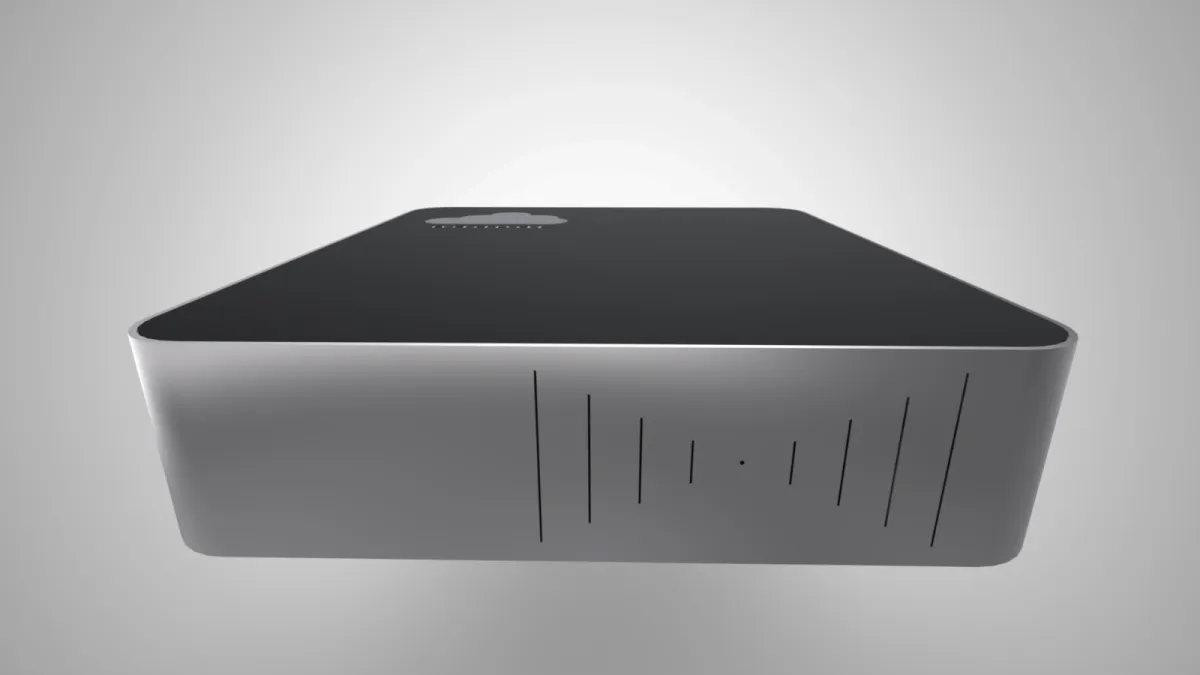
The Baadal device can run its own Windows and Linux virtual machines. If your school ERP, fee software or learning platform installs on Windows or Linux, it can run here. Staff on the campus network use it at full speed.
Licences for your ERP, Windows and each user have to cover the way your school will use them. Tell us what you run today and we check it on the demo call. Software that exists only as a vendor’s website can’t be moved onto Baadal.
Learning, library and school-office software that runs on Windows or Linux
Product names and logos belong to their owners and are shown to indicate software that can run on a Baadal virtual machine. Baadal is not affiliated with these vendors.
Children’s data
A school holds birth dates, Aadhaar numbers, addresses, photos, medical notes and marks for every child. The Digital Personal Data Protection Act, 2023 treats anyone under 18 as a child and puts extra duties on the institution that decides how that data is used.
01DPDP Act · children’s data
Get verifiable consent from a parent or lawful guardian before processing a child’s data, and don’t track, behaviourally monitor or target ads at children. The DPDP Rules, 2025 relax both only for tracking and monitoring a school does for its educational activities or for children’s safety.
How Baadal helps
Keep each signed consent form in the student’s own folder, next to the admission record it covers, so you can show what a parent agreed to. Student files are not stored with a cloud storage company.
02DPDP Act · keeping student data safe
Protect the student and staff data you hold with reasonable safeguards, so it isn’t exposed in a breach.
How Baadal helps
You can limit teachers to the sections they teach, the exam cell to exam folders and accounts to fees and payroll. Files are kept on encrypted drives, and nobody needs a personal Google account to do their job.
03DPDP Act · parents’ rights
A parent can ask what you hold on their child, have it corrected, have it erased once it is no longer needed and no law requires you to keep it, and expect an answer to a grievance.
How Baadal helps
With a child’s papers in one student folder and the rest searchable by name, answering a parent starts with that folder and a search, not a hunt through staffroom laptops and old pen drives.
04DPDP Act · breaches
If records leak, notify every family and staff member involved, and report the leak to the Data Protection Board of India.
How Baadal helps
Start from the share lists: they show who could reach each student folder on Baadal, a first step in working out whose records were caught up and which families to tell.
Please note. Baadal helps a school meet these duties; the duties themselves stay with the school. Consent forms, privacy notices, retention decisions and how staff handle data stay with the institution. The DPDP Rules, 2025, notified in November 2025, bring the Act’s duties into force in stages, so check with your adviser which of them already apply to your institution. This is a summary for orientation, not legal advice.
Boards, RTE and records
Baadal won’t pass an inspection for you. It keeps the certificates, registers and staff files a board or the state may ask for on hardware your institution owns, and lets the office find any of them the morning the inspection team arrives.
Board affiliation
Boards such as CBSE look at state recognition and land papers, building and fire safety certificates, staff qualifications and fee details when they grant or extend affiliation, and CBSE’s bye-laws have schools publish a set of these on their website as a mandatory public disclosure. Keep the whole set current, in one folder.
RTE Act
Private unaided schools that are not minority institutions admit children from weaker sections and disadvantaged groups to at least a quarter of entry-class seats, and the state reimburses the school under its own RTE rules. Keep each child’s admission papers and the school’s reimbursement claims together for verification.
Staff records
Appointment letters, service records, salary registers and PF details are what you return to for gratuity, provident fund, income tax and experience letters, often years after a teacher has moved on.
Underneath every register
A summary for orientation, not legal advice. Your board’s bye-laws, your state’s education and RTE rules and, for colleges, your university’s statutes and UGC or AICTE regulations decide what you must keep and for how long.
Your options
Progress reportThree options, compared on what a principal and the school office actually get asked.
| What matters | Google Drive / Dropbox | A NAS from a shop | Baadal |
|---|---|---|---|
| Where student data sits | Provider’s infrastructure | Your premises | Your premises, on hardware you own |
| Whose account holds the files | Whoever created the folder, sometimes a personal account | Depends on how accounts were set up | The school’s, with a named account for each staff member |
| Keeping a paper safe before the exam | Depends on how each file and link was shared | Folder permissions; logging depends on the model | Shared with the exam cell and principal only; nobody else can open it |
| A teacher leaves mid-year | Files in their own account may leave with them | Change permissions folder by folder | Disable the account; the files stay with the school |
| School ERP or Moodle | Needs the vendor’s cloud plan or separate hosting | Usually needs a separate server | Hosted on a Baadal VM when it installs on Windows or Linux |
| Parents sending admission papers | An emailed link or form, then sorted by hand | Email or WhatsApp, then copied across | Each family uploads into its own applicant folder |
| Finding a TC from 2011 | Supported file types and plans vary | Depends on indexing software and file type | Search by name inside scans, PDFs and spreadsheets |
| What you pay | Provider plan; costs depend on users and storage | Hardware, plus any software and support | One-time hardware + annual support plan |
Capabilities depend on the product, plan, hardware and configuration.
Frequently asked questions
Yes. Teachers sign in through the myBaadal apps on a phone or laptop and see only the classes and folders their role allows. Working from outside the campus needs an internet connection.
Only if the vendor offers a version that installs on Windows or Linux; that version can run on a virtual machine on Baadal. Software that exists only as the vendor’s website stays where it is, and Baadal holds the files around it. We check your ERP, Moodle or fee software and its licences on the demo call.
No. Where the Act requires a parent’s verifiable consent, your school collects it through its own forms and process. Baadal helps with what happens to the data afterwards: it stays on hardware the institution owns, each role can be limited to its own classes or office, consent forms can sit in the student’s folder, and each person’s Activity list shows what they added, changed or shared.
An admin switches her account off in myBaadal on the web. Her sign-in stops working, everything she created remains the school’s, and her public and email shares lapse. Anything she already downloaded or synced to her own phone or laptop stays there, so share sensitive student folders with download and sync off.
Yes. Every branch works on the same files, and the head office decides which branch sees which folders. Keeping campuses in sync needs an internet connection.
No. On the campus network, staff keep working while Baadal and your local network have power. Teachers at home, and sync between branches, need the internet.
During setup we go through where your records sit now, decide with you what comes across first, and build your student and staff folders around it. The timeline is fixed once we have seen how much data there is and which software it belongs to.
Call Baadal support. We diagnose the fault and arrange a repair or recovery as your support and warranty terms provide. If your drives are mirrored, that covers a single drive failing, and scheduled backups keep a separate copy on the drive or location you choose. Mirroring alone is not a backup.
Book a 20-minute demo
Ask for a 20-minute demo and we’ll show you student folders and an exam-cell paper bank, check whether your school ERP or fee software can run on Baadal, and give you a quote for your campus or branches.
Call +91 78620 22715